Research-based lesson; follow the current vendor documentation for the live interface.
Build an ordinary comparison with clear copy.
Compare scoped CSS and supported visual options.
Specify success and recovery conditions.
A documented decision to stay native is also a successful outcome.
Record a specific unmet requirement
Suppose Northline wants to present project transformations with an interactive comparison. A plain pair of photographs may already communicate the result. An interactive slider could make sense if it allows the reader to compare the same detail more easily. Write down the visitor benefit before choosing how to implement it.
Start with the native tools. If they don’t satisfy the requirement, look at a narrowly scoped CSS solution for styling or a compatible add-on for a supported interaction. CSS alone is not a replacement for every interactive feature. A developer-built interaction may also require JavaScript and additional testing.
Evaluate the dependency
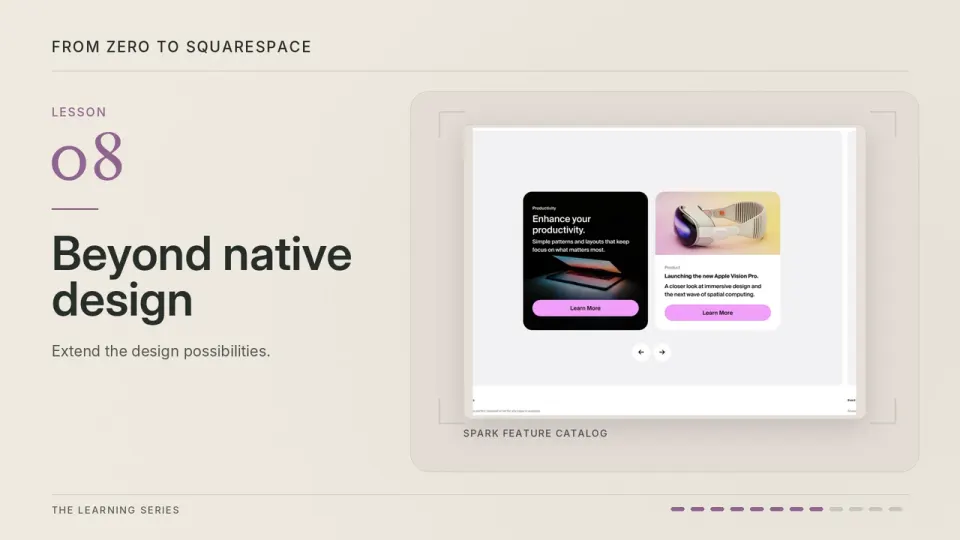
Spark Plugin offers configurable design options for eligible Squarespace sites. Check the feature catalog and plan requirements. If the exact need is not covered, do not buy it just because it offers many other effects. If the need is covered, compare the subscription against the maintenance cost of a custom implementation.
Before any change, capture the current page and record existing code. Decide how to revert the change if it conflicts with another script or causes a mobile layout problem. Check with the account owner before modifying shared settings.
Exercise: make a decision card
Write the problem, current native solution, proposed improvement, expected benefit, annual cost and rollback procedure. For the comparison example, test whether both photos remain accessible and useful without the slider. If the plain version works equally well, you may already have the solution.
Checkpoint: You have a short, justified list of missing design features. Only move on to Spark installation if at least one feature is worth evaluating.
A design request is not yet a tool requirement
Northline’s homepage and service pages should already work using the native editor. The owner now asks for a comparison of three service packages and a more distinctive presentation of a project transformation. These are concrete design requests. We need to decide what information is missing, whether a native arrangement can communicate it and what a third-party tool would add.
Start with the service packages. Each has a name, a scope, an estimated price basis and a next action. Put those fields into ordinary content blocks. Try both short and long descriptions. If the packages are clear and the phone layout works, stop. A specialized pricing layout may be an option, but it should earn its place through a specific improvement. If the native version fails to keep the comparison understandable, document exactly how it fails.
Now consider the project transformation. The native solution is two labeled images showing different states. Ask whether a visitor can understand the change by looking at the two images and reading a short explanation. An interactive comparison might be attractive if it supports precise visual inspection. It also introduces a control that must work for different visitors. Keep the original images and labels regardless of the chosen approach.
Write a one-change decision card
The decision card includes the page, the unmet requirement, native attempt, proposed alternative, ownership, compatibility, cost, success condition and recovery method. For a small styling gap, a scoped CSS solution maintained by a developer might be appropriate. For a visual option the owner needs to change regularly, a supported no-code toolkit might be worth a trial. For a new application workflow, styling changes may not be sufficient at all. Choose the category of solution before choosing the product.
Check Spark Plugin’s current feature catalog and pricing page if the request matches a documented capability. Confirm the underlying Squarespace version and plan. Treat a feature marked Pro as a reason to check entitlement, not as a reason to buy immediately. An eligible site and an appropriate feature are prerequisites for lesson nine.
Decide what happens if you do nothing
Some design requests are optional. If the native version already serves the visitor, the cost of doing nothing may be zero. If the gap affects accessibility or an important inquiry path, the native baseline needs work before a decorative feature is evaluated. A tool’s value is relative to the problem it solves and the alternative you would otherwise maintain.
Deliverable: one decision card for a real gap, or a written decision to stay native. Both are valid outcomes. In lesson nine we will cover the vendor’s setup and rollback workflow for people who have an eligible site and a reason to evaluate Spark. Do not proceed with an installation simply to complete every lesson in the series.
Project notebook: lesson 08
Open the Northline Project Workbook and save 08-design-gap. Work on an authorized private site if available; otherwise complete the planning version and mark any execution checks as not tested.
Acceptance check: Choose stay native, evaluate Spark, or investigate code with a documented reason, budget impact and rollback plan.