Research-based lesson; follow the current vendor documentation for the live interface.
Inspect home, services, project and contact pages.
Compare repeated runs under matched conditions.
Verify title, headings, visibility and internal links.
Document device, result, issue and retest; do not claim unmeasured outcomes.
Start on a real phone
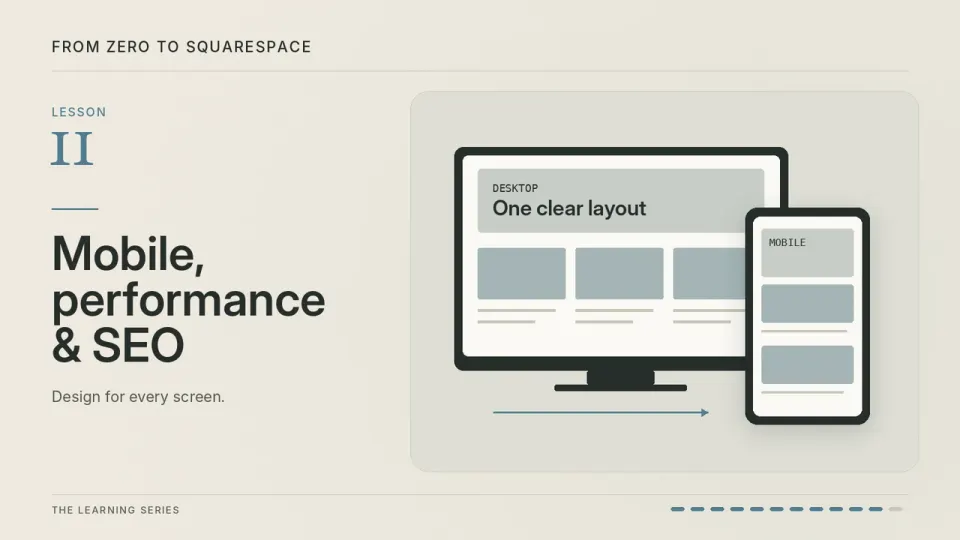
Northline’s home page should identify the studio and provide a path to its work and contact details. Open the draft on a phone and check the text order, touch targets, navigation and form. If the page uses Fluid Engine, review its mobile arrangement rather than relying only on the desktop preview.
Check any added customization with keyboard navigation and reduced motion enabled. A hover-only reveal or hidden text may prevent some visitors from completing the task. Keep important information available without an effect.
Measure before and after
Choose three representative pages. Use browser developer tools or PageSpeed Insights to inspect performance; record the test conditions and repeat runs rather than treating a single score as definitive. Look at image sizes, unnecessary scripts and unexpected movement. Compare the same page with optional enhancements disabled when practical. No benchmark figures are supplied here because the reader’s site has not been measured.
Review the search basics
Give each page a unique title and useful description. Use descriptive headings, meaningful internal links and appropriate image alternatives. Check the site availability and indexing settings; a private trial is not supposed to act like a public indexed site. Prepare redirects for any changed public URLs and verify the sitemap after launch.
Exercise: create a QA sheet
For each tested page record phone layout, form or link success, accessibility issues, metadata and performance observations. Assign an owner and a fix to each failure. Retest after changes.
Checkpoint: No essential visitor task is blocked by a mobile, navigation or customization problem. You know which pages still need work before launch.
Build a test matrix around real pages
Northline needs at least four representative page types checked: homepage, service detail, project page and contact page. Start with a narrow phone viewport, a wider phone or tablet and a desktop. Use a physical phone if available. A browser’s responsive view is useful, but it cannot reproduce every touch and device behavior. Record the widths or devices used so a future change can be evaluated in the same way.
For the home page, check the first heading, main action, image crop and the order of sections. On the service page, ensure the longest offer description does not break the composition. On the project page, verify image loading, labels and any optional interaction. On the contact page, confirm that labels, input fields, validation and the submit action are usable. Send a permitted test inquiry using non-sensitive data and verify the recipient if possible. Keep the result private if it contains contact information.
Measure the baseline, not an isolated number
Use the browser’s performance tools or a reputable page testing service on the public or authorized preview URL. Keep the device and network conditions consistent for comparisons. Check the main content’s loading, interaction responsiveness and whether the layout shifts. One synthetic score can vary between runs and does not prove a real-user performance outcome. Test more than once, record the conditions and investigate the specific source of any regression.
If a visual enhancement was added, compare the same page with and without that enhancement in a controlled environment. Keep images and copy unchanged. Look for unnecessary heavy images, duplicate third-party scripts or effects that postpone essential information. Do not remove important accessible labels or useful content simply to improve a metric. A fast page that cannot be understood or used still fails its purpose.
Review the search presentation and indexing settings
The Squarespace SEO checklist is the place to verify the current platform controls. Write a descriptive title and page description for each important page. Use a logical heading structure and meaningful internal link text. Check the intended public URL and the site’s visibility settings. If you changed a URL, inspect the old address and configure an appropriate redirect where supported. Confirm the sitemap and search engine access after the site is public; a private draft should remain private until launch.
Check informative image alt text, keyboard focus, color contrast and reduced-motion behavior. Accessibility is not established by a single automated tool. Use the WCAG guidance to identify applicable criteria, then perform manual checks. Mark anything not tested as open.
Deliverable: a test matrix covering actual device or viewport, page, result, issue and retest. The last lesson will use this matrix as a release gate. Do not report a successful performance or SEO test if you only completed the planning exercise.
Project notebook: lesson 11
Open the Northline Project Workbook and save 11-qa-matrix. Work on an authorized private site if available; otherwise complete the planning version and mark any execution checks as not tested.
Acceptance check: Critical visitor tasks and required checks pass or block release; open items have owners and retest dates.