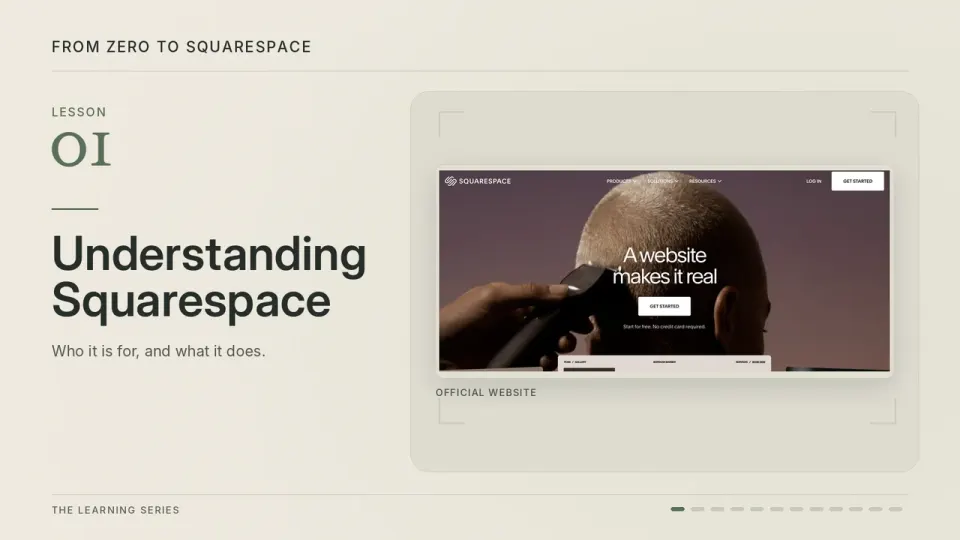
Research-based lesson; follow the current vendor documentation for the live interface.
Independent business clients need to understand the studio's offer.
The owner maintains services and project images.
Five essential pages, optional features wait.
Deliver a project brief before choosing a plan.
Your first decision is not a template
In this series we’ll use a hypothetical studio called Northline, which offers design services and needs a portfolio, a services page and a contact form. You can substitute your own business. The point is to work with actual content requirements rather than an empty demo.
Squarespace combines the hosting environment and editor. Unlike a self-hosted WordPress installation, you are not choosing the web server or its update schedule. You work within the platform’s editing, integration and plan constraints. That can be a good trade when the owner edits the site without a developer.
Create a one-page project brief
Write the main visitor task in one sentence. For Northline: a potential client should see relevant work and submit an inquiry. Then record the pages needed, who owns the domain, who can edit the content and how often the site changes.
List any special requirements: booking, multilingual content, store checkout, custom code or a large catalog. Check that the platform supports them before starting the design. If the site depends on custom content types and automated publishing, compare other approaches first.
Exercise: choose your operating model
Create two columns labeled managed builder and self-managed CMS. Under each, list subscription costs, editorial responsibility, portability and technical maintenance. For a simple studio, I would favor the managed option if the owner can complete the trial tasks. For a complex publisher, I would investigate WordPress or Astro.
Checkpoint: You have a written goal, a page list and an owner for the website account. If you cannot explain why a managed platform fits, don’t buy a plan yet.
Project brief: a small studio called Northline
Throughout the series, imagine a fictional two-person design studio called Northline. It sells three services, has several completed projects to show and needs a simple way to receive inquiries. The studio has no in-house developer. This is a teaching scenario, not a client project I have built on Squarespace. Use your own business if you already have one; keep the same written deliverables as we progress.
Northline’s first release requires a homepage, services page, project portfolio, about page and contact page. The owner will edit the copy and add project images. It does not need an online store or a custom application in the first release. The goal is to explain the work clearly, build confidence and help a visitor send an inquiry. That goal is narrow enough to evaluate a website builder without buying a long list of additional services.
On my own Astro projects, I control the source and deployment pipeline. That makes sense for me, but it would be an unnecessary burden for a studio owner who simply wants to replace a photograph. A managed builder is an operating model worth testing for this brief. We still need to check that the owner can manage pages, understand the billing and retain access to the original content.
Write the boundary of the first release
Create a document with two columns: must launch and can wait. Put essential pages, contact details, original images and a verified inquiry flow in the first column. Put optional animations, advanced design tools, a blog and extra marketing integrations in the second column unless there is a genuine business requirement for them. This protects the first version from growing into a project that never gets published.
Set one rule for evidence. A requirement is complete when you can show a working result or record the reason it cannot be completed. For example, the contact path is not ready simply because a contact page exists. Someone must submit a test inquiry and verify where it arrives. The page design is not ready simply because the desktop layout looks polished. Someone must inspect the phone version. We will reuse this rule throughout the series.
What to do if you cannot start a trial
You can complete this lesson without paying for a website. Draft the pages in a text document, gather assets you have permission to use and sketch the visitor’s route. Use the official Squarespace getting started guide to understand the platform’s current onboarding. If you decide to trial it, check the offer and account terms before entering payment information. The next lessons use a planning record that still makes sense if you select a different builder.
Deliverable: one project brief naming the intended editor, audience, essential pages, primary visitor action, budget boundary and features that can wait. Keep it as the first page of your project notebook. We will use it to choose a plan in lesson two. Do not select a third-party design tool yet; we have not established a design gap.
Project notebook: lesson 01
Open the Northline Project Workbook and save 01-project-brief. Work on an authorized private site if available; otherwise complete the planning version and mark any execution checks as not tested.
Acceptance check: The editor, budget ceiling and mandatory features are identified; unsupported requirements have an alternative.