
DigitalOcean VPS Hosting
A clean first VPS choice for developers who want strong docs and predictable cloud pricing.
DigitalOcean is a developer-focused cloud provider with Droplets starting at $4/mo and practical 1 GiB VPS plans from $6/mo. It is best for developers who can manage Linux servers and want strong documentation. It is not managed WordPress hosting.
"DigitalOcean is the VPS provider I would recommend first to many developers learning server management, even though I personally use Vultr. The reason is simple: documentation. When something breaks, the chance that DigitalOcean already has a clear tutorial or community answer is high. Just remember that DigitalOcean gives you infrastructure, not managed WordPress support." — Steven Doan, doancongtuan.com
I use Vultr for my own VPS projects, so I treat DigitalOcean as research-based. I still consider it one of the safest first VPS recommendations because its documentation and onboarding reduce the fear of managing a server.
DigitalOcean Droplets use granular billing with monthly caps. Backups, volumes, managed databases, load balancers, and other services cost extra. For WordPress, do not choose only by the lowest Droplet price; choose enough RAM/storage and plan for backups.
- Excellent documentation and tutorials for common Linux, WordPress, Nginx, Docker, and server tasks
- Clean dashboard and developer-friendly onboarding
- Predictable Droplet pricing with small entry-level plans
- Good ecosystem: managed databases, Spaces object storage, App Platform, Kubernetes, monitoring, and firewalls
- Strong choice for learning VPS administration
- More beginner-friendly for developers than many raw infrastructure providers
- Large community means many problems already have public answers
- Unmanaged VPS means you handle server security, updates, backups, and troubleshooting
- Not a managed WordPress host
- The cheapest Droplet is often too small for comfortable WordPress use
- Backups and managed services add cost
- Non-technical users may be better served by Hostinger, DreamHost, Cloudways, or managed WordPress hosting
- If you already prefer Vultr, there may be no urgent reason to switch
- Developers setting up their first VPS
- WordPress users who are comfortable with SSH and server management
- Small apps, content sites, staging servers, and developer projects
- Teams that value documentation and clean cloud products
- Projects that may later need managed databases, object storage, or App Platform
- Non-technical WordPress users who need support for plugin/theme/site issues
- Client sites where nobody is responsible for server monitoring and backups
- Users who expect cPanel/shared-hosting style management
- Projects where managed WordPress support is more important than infrastructure control
- Large production systems without a proper DevOps plan
How I Would Think About DigitalOcean
My real decision rule
I would choose DigitalOcean for a developer setting up a first VPS because the documentation makes the learning curve less painful.
Where I would avoid it
I would avoid DigitalOcean direct for non-technical WordPress users. They need managed hosting, not a blank Linux server.
How I would size it
I would not run a real WordPress site only by chasing the cheapest Droplet. Start with enough RAM and add a backup plan.
What I would compare first
Compare DigitalOcean with Vultr if you can self-manage, and with Cloudways if you want DigitalOcean infrastructure without doing all server maintenance yourself.
Real Use Cases
First self-managed WordPress VPS
DigitalOcean is a good first VPS choice because the tutorials make Nginx, PHP-FPM, MySQL, SSL, firewalls, and backups less intimidating.
Developer learning environment
If you want to learn Linux hosting, SSH, Docker, DNS, deployment, and monitoring, DigitalOcean gives a clean environment with many guides.
Small app or content project
Droplets can run small apps, static sites, APIs, staging environments, and WordPress installs when configured properly.
Project needing extra cloud services
If you later need managed databases, object storage, load balancers, or App Platform, DigitalOcean keeps many services in one ecosystem.
Team infrastructure with clearer docs
For teams where junior developers need to understand the stack, DigitalOcean documentation can be a practical advantage over less documented providers.
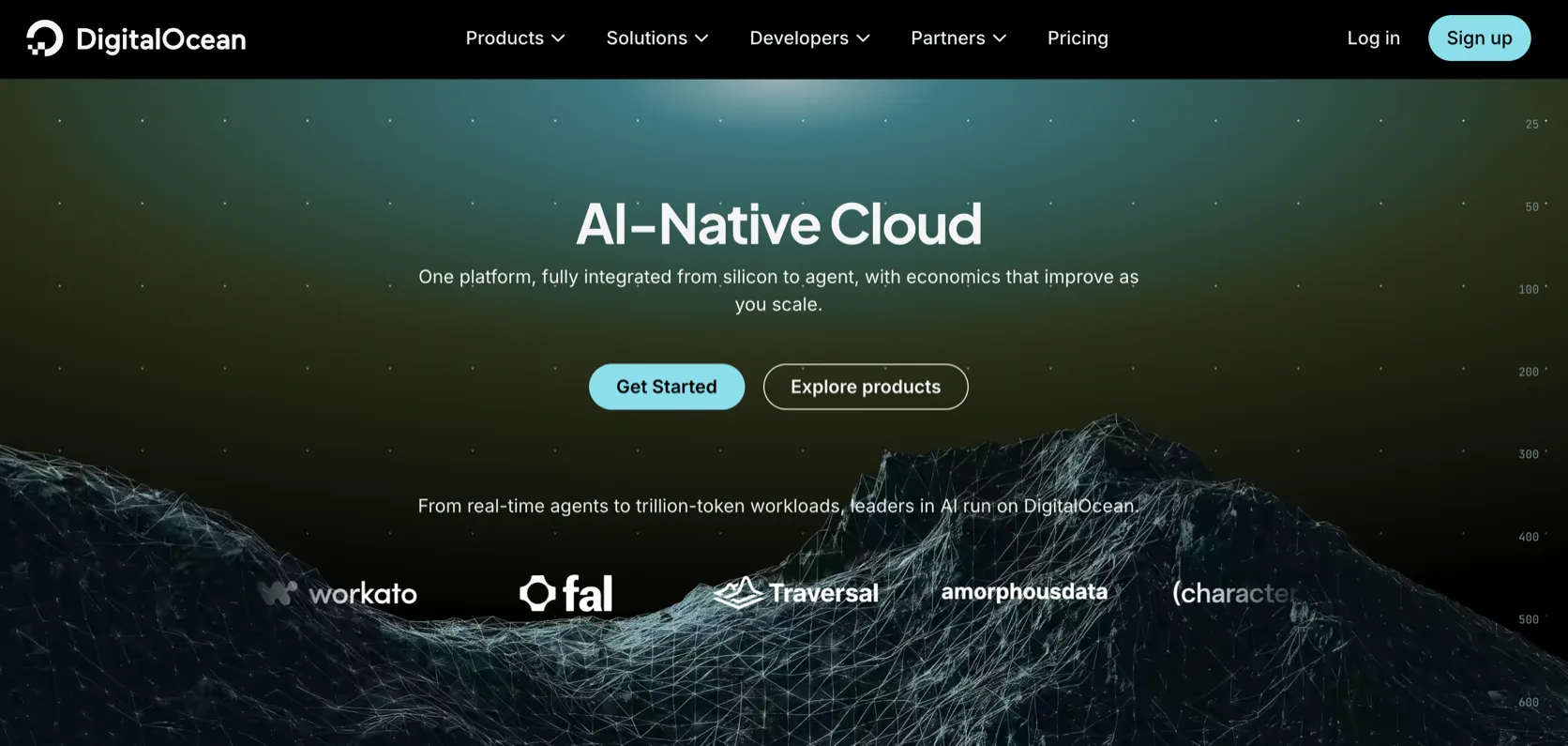
Interface
Key Features
- Droplets virtual machines with multiple CPU/RAM tiers
- Basic Droplets from small low-cost plans
- Managed databases for PostgreSQL, MySQL, Redis, and other engines depending on availability
- Spaces object storage
- App Platform for managed deployments
- Kubernetes service
- Cloud firewalls, monitoring, and alerts
- Snapshots, backups, volumes, and images
- Marketplace one-click apps
- Extensive tutorials and community Q&A
From This Site
Articles, guides, and comparisons featuring DigitalOcean.
Alternatives to DigitalOcean
 Vultr Steven Uses This
 My practical VPS choice when I want control, not hand-holding.
 ScalaHosting
 For people who want VPS resources without becoming a full-time server admin.
 Contabo
 Very cheap VPS specs, but I would treat it as budget infrastructure with trade-offs.
Frequently Asked Questions
Is DigitalOcean good for WordPress?
Yes, if you can manage a Linux server. DigitalOcean provides infrastructure; you still configure WordPress, Nginx/Apache, PHP, database, SSL, caching, security, and backups.
What Droplet size should I use for WordPress?
The 1 GiB $6/mo plan can work for small WordPress sites, but many real projects are more comfortable at 2 GiB or higher depending on plugins, traffic, caching, and database load.
Is DigitalOcean managed hosting?
No. Droplets are self-managed servers. DigitalOcean has managed services for databases and app deployment, but a Droplet itself is not managed WordPress hosting.
How does DigitalOcean compare with Vultr?
Both are good developer VPS providers. DigitalOcean has stronger beginner documentation and a larger tutorial ecosystem. Vultr can be attractive for locations, pricing, or personal preference.
How does DigitalOcean compare with Cloudways?
DigitalOcean direct is cheaper and gives more control. Cloudways costs more but adds a managed dashboard and reduces server maintenance work.
Are backups included?
Backups and snapshots are separate cost items depending on how you configure them. Do not run a production site without a backup plan.
DigitalOcean
Basic Droplets start at $4/mo for 512 MiB RAM or $6/mo for 1 GiB RAM. Practical WordPress VPS setups commonly start at $6-$12/mo before backups or managed services.
Disclosure: Some links on this page are affiliate links. If you make a purchase through them, I may earn a small commission at no extra cost to you. I only recommend products I've genuinely evaluated. Full disclosure →