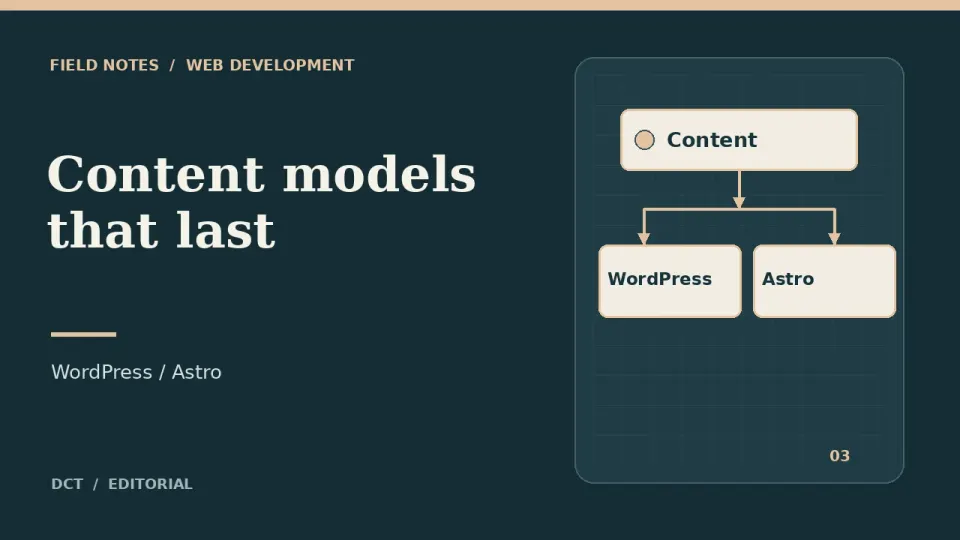
One of the most useful things I learned from working with Astro was not a performance trick. It was the habit of looking at the data before deciding what the page should look like. WordPress can teach the same lesson through custom post types and fields, but it is easy to spend most of your time inside the theme or page editor.
I am interested in the point where content stops being a collection of individual pages and starts becoming a set of related records.
Model a product once
Imagine an editorial site reviewing software. One product can appear in its own profile, a review, an alternatives guide and a comparison table. The name, official website and basic category should remain consistent across all four locations. The recommendation in each article may be different because the reader has a different problem.
I would store the stable product attributes separately and use the product’s identifier to reference them. The article can then describe the specific use case. It is possible to do this with WordPress custom fields and relationships, with Astro collections, or with a separate database that exports records to a static build.
The important thing is not which file format I use. It is whether two pages are unintentionally maintaining the same fact independently.
Decide what belongs in the body
I like flexible prose for opinions, examples and arguments. I prefer structured fields for values that need to be filtered, displayed repeatedly or validated. A publication date is a field. A paragraph about whether a product makes sense for a particular workflow is editorial content.
The distinction also helps when a field is unknown. A missing price or rating should remain unknown rather than become a default number. The rendering component should have a deliberate empty state. That is more useful to a reader than an impressive but invented score.
Make the template responsible for presentation
A template can turn records into a consistent page, but consistency should not erase the differences between articles. A comparison needs enough space to show two options. A guide might need a short code example, a diagram or a screenshot near the relevant instruction. A product profile needs a clear description and an appropriate next step.
In Astro, a collection schema can catch missing fields before a site is built. In WordPress, I would use appropriate field validation and a controlled editing interface. Either way, I want to catch incomplete data at the point where it enters the system.
A useful exercise is to render a single record in two different contexts: a compact card and a complete page. Then remove an optional field and check both. That is a better early test than importing hundreds of records at once.
The editor still determines what works
A schema that is pleasant for a developer may be difficult for an editor. Some people prefer a visual dashboard. Others are comfortable editing Markdown files. If I choose a static system, I still have to think about the person responsible for updating its content.
My WordPress versus Astro comparison looks at that wider trade-off. The Astro series is a useful place to explore the file-based approach without committing to a migration. If the site eventually needs a custom editorial workflow, these publishing system notes explain how I would separate writing from release activation.