Squarespace vs WordPress: Which Website Should You Build?
Choose Squarespace for a managed editing workflow and a small site that fits its native features.
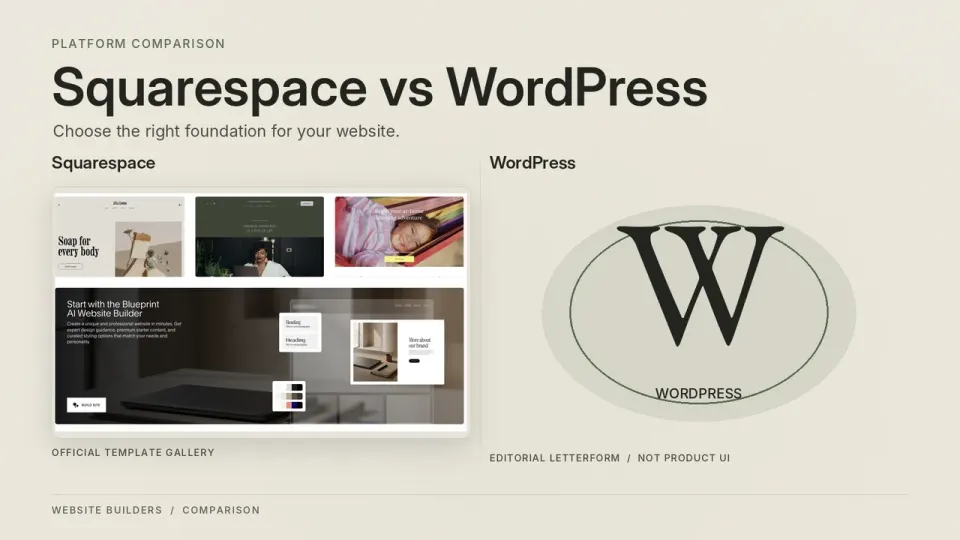
Editorial composite · Vendor reference: Source
Choose Squarespace for a managed editing workflow and a small site that fits its native features. Choose self-hosted WordPress when you need extensible content, a larger plugin ecosystem or more infrastructure control.
Choose Squarespace for a managed editing workflow and a small site that fits its native features. Choose self-hosted WordPress when you need extensible content, a larger plugin ecosystem or more infrastructure control.
Research-based guide; no hands-on product test.
Evaluate managed hosting and visual editing.
Evaluate hosting, content model and maintenance.
Use identical copy and tasks.
Choose the operating model and content requirements before the visual design.
Compare the work after launch
I’ve maintained WordPress sites and dealt with the awkward parts: plugin compatibility, cache configuration and updates. Those are real costs. They are also the price of having a system that can be extended far beyond a simple marketing website. Squarespace removes much of the hosting administration from the owner’s to-do list.
For a five-page consulting site, the question is who changes the copy next month. For a directory with custom post types, imported records and specialized search, the question is whether the platform can model the content without workarounds. Those are entirely different requirements.
A fair comparison
| Decision | Squarespace | Self-hosted WordPress |
|---|---|---|
| Hosting | Managed with the platform | Select and maintain a host |
| Editing | Integrated visual builder | Block editor or selected builder |
| Extensions | Platform integrations and compatible third-party tools | Broad plugin ecosystem |
| Portability | Partial export; plan for rebuilding | Access to site files and database |
| Commerce | Native platform features | WooCommerce and extensions |
WordPress has a strong case for client editing, particularly where the developer has already built predictable templates. Its community and pool of developers make specialized work easier to source. The downside is that two WordPress installations can have very different maintenance requirements depending on their plugins and hosting.
My verdict
I would choose Squarespace for a straightforward owner-edited site that passes a real trial. I’d choose WordPress for an extensible publishing or commerce system whose owner accepts maintenance responsibility. Before migrating, record the URL map, export supported data and test a representative page. My WordPress perspective comes from prior work; the Squarespace side is document-based research.
Three projects that change the recommendation
For a solo consultant, the maintenance question is often more important than extensibility. I would compare the time required to update a service page, manage an inquiry form and renew the domain. For a publisher with a large archive, test categories, related content and editorial permissions instead. WordPress offers a flexible content model, but the team needs to own the hosting and extension maintenance decisions.
For an established store, build a requirements sheet for product variants, payment methods, taxes, shipping and returns. Run a small test order on each candidate. Do not compare only the cost of the website plan: include the integration cost and the cost of moving existing product records. A platform is ruled out if a critical requirement cannot be met reliably.
I would preserve the current URL list and test five representative redirects before migrating either way. Keep the old site accessible to the project team until the new site’s pages and search settings have been verified.
Test the same content change, not two different demos
For a fair trial, create a fictitious service business with a home page, two services, a portfolio and a contact form. Include a long description and a photograph that needs a different mobile crop. Ask the intended editor to change a service price and add a new project. For WordPress choose a theme and block editing configuration that you would realistically deliver, rather than a bare install without a finished layout. For Squarespace use a realistic template and plan.
Record the time, mistakes and requests for help. This is a proposed test; there are no measured results in this comparison. If the owner can edit both versions easily, the decision moves to maintenance, cost and the next year’s likely requirements. If the editor can manage only one version independently, that difference is more useful than a generic claim about ease of use.
Where the content model decides the outcome
A restaurant site with a menu and contact details is not the same as a directory with search filters, user submissions and custom records. For the directory I would prototype the hardest relationship first. WordPress provides a broad ecosystem and a programmable content model; a custom solution still requires decisions about its implementation. Squarespace is a sensible candidate when its built-in structure fits the pages the business needs. If that structure needs constant workarounds, I would reconsider the platform before building the rest of the site.
Portability is another practical difference. Make a sample content export, preserve original images and list the URLs that matter. WordPress files, a database and compatible software can be part of a migration strategy, but theme and plugin dependence may still require work. Squarespace’s supported exports do not recreate every design or feature. In both cases, the test is whether a second person can reconstruct the important information, not whether a button called Export exists.
Compare a three-year budget, not the introductory rate
A recurring hosting quote and a hosted website subscription are both easy to underestimate. Here is a hypothetical example for a simple service site. Imagine a managed website costs $300 a year, with $60 for a separate business service and $120 of occasional help. A WordPress configuration costs $120 a year for hosting, $80 for paid extensions and $240 of maintenance labor. Assume the same $60 business service for both. The first scenario is $480 per year, the second $500. If the costs stay constant, the three-year totals are $1,440 and $1,500. This example deliberately uses invented budget inputs rather than current vendor prices.
Change one assumption: the WordPress owner can already maintain the stack, so paid maintenance falls to $60. That moves the second total to $320 per year. Now change the assumption again: the managed site needs an extra integration at $180 per year to satisfy a mandatory workflow. The managed route becomes $660 per year. Both changes can matter more than the original subscription price. The lesson is to identify what is genuinely included and who performs the work before comparing totals.
The choice also depends on whether the site is replacing an existing system. If a WordPress site has an established URL structure, search traffic and many custom fields, moving to a hosted builder can introduce significant migration work. Inventory the pages and metadata, test an export, map redirects and rebuild a representative page before estimating the move. An owner launching a new five-page website has none of that historical work. I would not use the recommendation for one situation as advice for the other.
Who responds when the website has a problem?
For both platforms, write down three scenarios: a form stops delivering messages, a third-party feature changes behavior, and the owner accidentally publishes incorrect information. Name the person who can diagnose each case and where to find the account or recovery instructions. Some issues belong to the platform, others to an integration or the content editor. Managed hosting doesn’t automatically make every integration a supported feature. Conversely, control over WordPress does not guarantee that a particular maintainer knows how to resolve a problem.
I like this exercise because it makes ownership visible. If the client expects a quick response but no maintenance agreement exists, solve that organizational gap before making the platform recommendation. A successful handoff includes permissions and a recovery plan as well as a visually finished page.
Affiliate disclosure: I may earn a commission if you purchase through this link. Explore Hostinger WordPress hosting ↗
Affiliate disclosure: I may earn a commission if you purchase through this link. Explore Cloudways managed hosting ↗
Continue reading
References
Disclosure: Some links on this page are affiliate links. If you make a purchase through them, I may earn a small commission at no extra cost to you. I only recommend products I've genuinely evaluated. Full disclosure →