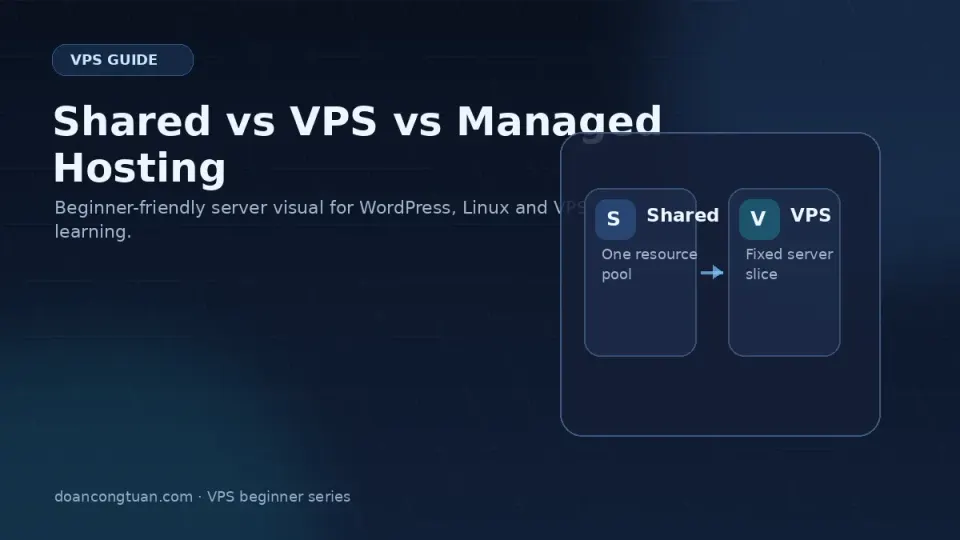
For a broader version of this decision, I explain the shared hosting vs VPS vs managed WordPress trade-off in my WordPress VPS hosting guide.
The question isn’t which option is best. The question is which option is best for where you are right now.
I’ve seen developers on VPS who should have stayed on shared hosting — they’re spending hours maintaining a server for a site that gets 200 visits a month. I’ve also seen site owners limping along on shared hosting that’s clearly failing them, convinced they’re not “technical enough” for VPS.
Both groups made the wrong call for the same reason: they picked based on what sounds impressive instead of what actually fits their situation.
Here’s a framework that actually helps.
Shared Hosting
What it is: Many websites share the same physical server and its resources — CPU, RAM, disk I/O — all pooled together. Your host manages everything. You get a control panel (usually cPanel) to manage files, databases, and email.
What you’re paying for: Simplicity. You don’t manage a server. You just upload files and things work.
What you’re giving up: Consistent performance and control. When other sites on your server get busy, you feel it. Resource limits are real and often not clearly communicated until you hit them.
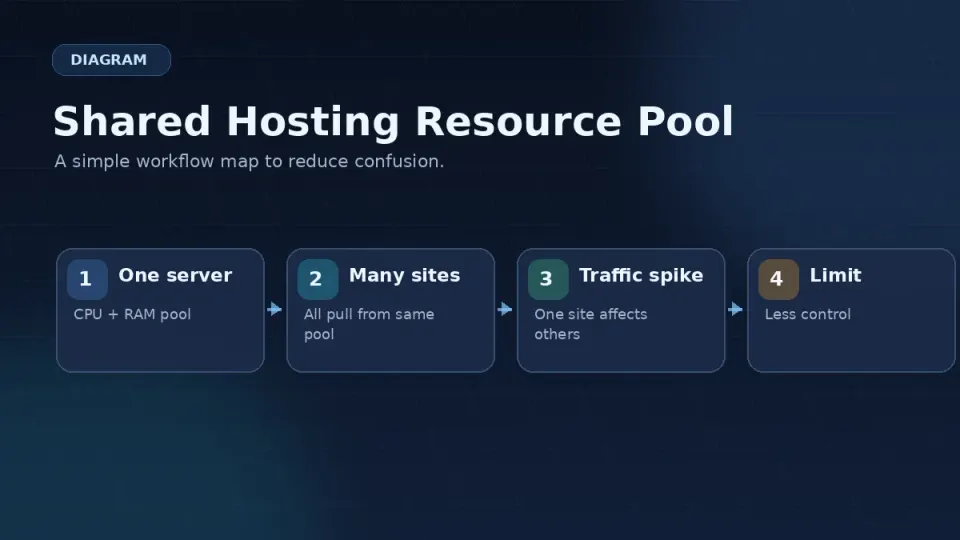
Signs shared hosting is failing you:
- Pages are slow despite caching plugins and optimized images
- You hit resource limits without clear traffic spikes
- Your host throttles or suspends you during normal usage
- You need PHP configuration or server-level software that’s not available
Recommended: Hostinger for budget beginner shared hosting. Good performance at the price, reliable enough for sites that aren’t outgrowing it yet.
Hostinger is a budget-friendly hosting company with a polished dashboard, aggressive long-term discounts, and beginner-friendly managed WordPress hosting. It is a good starting point for small sites, but you should read renewal pricing before treating the promo price as the real price.
Get Hostinger →Affiliate link — I may earn a commission at no cost to you.
VPS
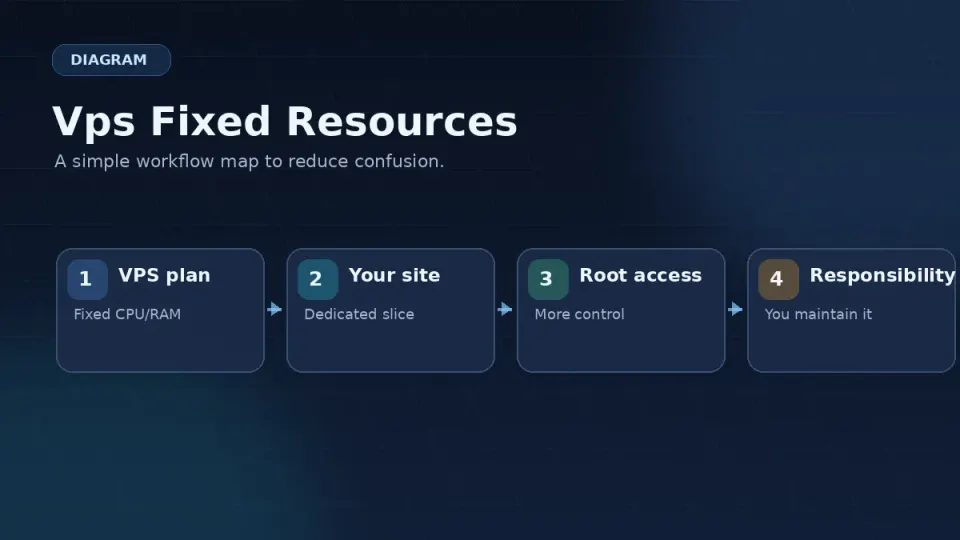
What it is: A fixed slice of a physical server — guaranteed CPU, RAM, and storage that other customers can’t touch. You connect via SSH and manage everything yourself: the operating system, web server, PHP, database, security, backups.
What you’re paying for: Control and consistency. Your resources are yours. You configure the stack exactly how you want it.
What you’re giving up: Your time. Server management is a real ongoing responsibility. Updates, monitoring, backup verification, troubleshooting at odd hours — it’s all yours now.
VPS is the right call if:
- You want maximum control over your server environment
- You’re running multiple WordPress sites and want to consolidate them
- You need custom server software — Nginx FastCGI cache, Redis, specific PHP versions
- You have time to learn and are comfortable troubleshooting in a terminal
- Budget matters and you want the best price-to-performance ratio
What I use: Vultr — specifically their Cloud Compute instances. Singapore datacenter for Southeast Asia latency, hourly billing, clean control panel. Full review at Vultr Review: Why I Use It.
A developer-friendly cloud VPS provider with simple instances, predictable infrastructure building blocks, and global locations. This is the kind of hosting I use when I want to own the WordPress stack instead of renting a polished control panel.
Get Vultr →Affiliate link — I may earn a commission at no cost to you.
Managed Hosting
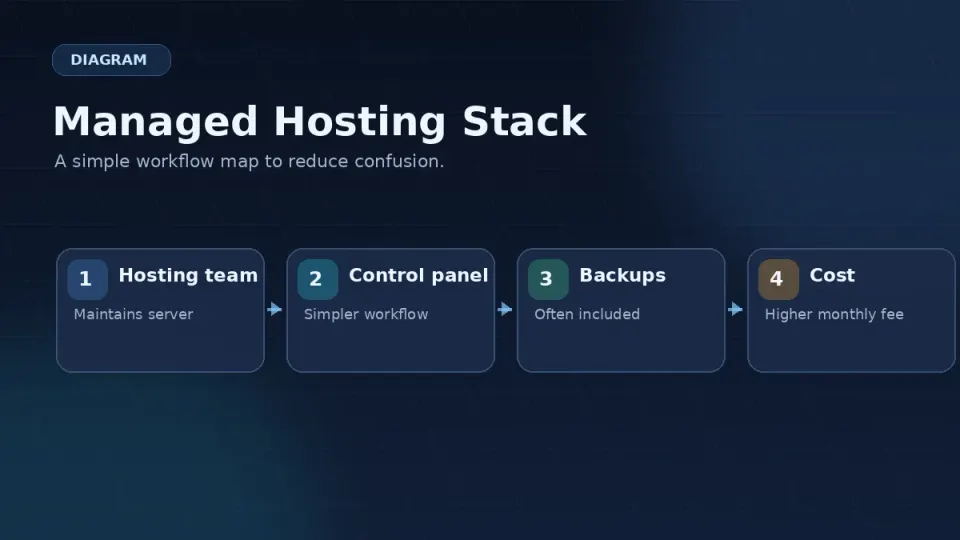
What it is: A layer built on top of cloud infrastructure (usually AWS, Google Cloud, or DigitalOcean) that handles server management for you. You get VPS-level resources — often better than raw VPS — but the provider manages the OS, updates, security, and server configuration.
What you’re paying for: Time. You don’t touch a terminal. The server is someone else’s problem.
What you’re giving up: Control and money. You can’t configure the server stack the way a raw VPS lets you. And you’re paying a premium for the management layer.
Managed hosting is the right call if:
- Server management sounds genuinely unappealing, not just temporarily intimidating
- Your time is worth more than the cost difference
- You’re running a business site where downtime costs real money
- You want fast performance without the learning curve
Worth considering: Cloudways for mid-range managed cloud. Solid performance on DigitalOcean and Vultr infrastructure, better pricing than Kinsta for most use cases.
Cloudways is a managed cloud hosting platform that sits on top of providers such as DigitalOcean, Vultr, Linode/Akamai, AWS, and Google Cloud. It is useful when you want cloud hosting control without personally managing the full Linux server stack.
Get Cloudways →Affiliate link — I may earn a commission at no cost to you.
The Decision Framework
Three questions. Answer them honestly.
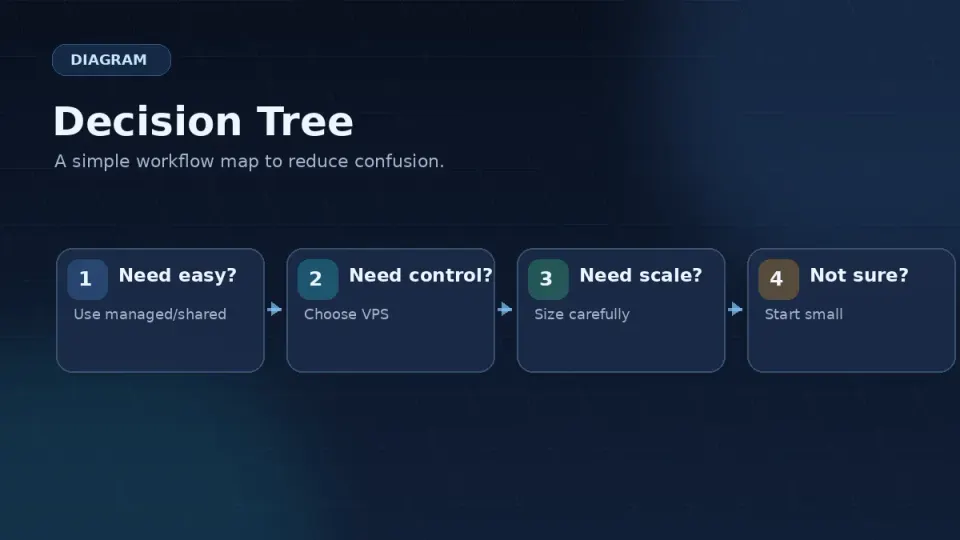
1. Are you hitting real performance or resource problems on shared hosting? If no — stay on shared hosting. There’s no reason to take on server management overhead for a site that’s running fine.
2. Do you want to manage a server yourself? If yes, or if you’re willing to learn — VPS. If the honest answer is no — managed hosting.
3. Does the cost difference matter? A well-configured VPS at $20/month versus Cloudways at $50–80/month for comparable performance is a real difference over 12 months. If budget matters, that tips toward VPS.
Where This Series Goes From Here
This series is about the VPS path. If you’ve decided that managed hosting or staying on shared hosting is the right call, that’s a legitimate decision — and the Cloudways review or Hostinger review might be more useful for you right now.
If you’re here for the VPS path: the next article covers the fears people have about VPS that are worth taking seriously — and the ones that aren’t.