WordPress CMS
The CMS I still respect — as long as the project actually needs a CMS.
WordPress is still worth using when you need a real CMS, client editing, WooCommerce, plugins, or complex content workflows. For simple static content, Astro or another static stack may be easier and faster.
"WordPress is still powerful because it gives clients and content teams a real publishing system. It becomes painful when people use it for projects that only needed fast static pages." — Steven Doan, doancongtuan.com
I have built and maintained many WordPress sites over the years, including affiliate, coupon, client, and content projects. I still use WordPress when the CMS and plugin ecosystem are the right answer, but I no longer force it into every project.
Do not confuse free software with a free website. A practical WordPress stack may include hosting, a theme, SEO plugin, form plugin, caching, backups, security, email delivery, CDN, and ongoing update time.
- Excellent when non-technical people need to edit content through an admin interface
- Huge plugin and theme ecosystem for forms, SEO, ecommerce, membership, LMS, directories, and affiliate workflows
- WooCommerce makes WordPress a serious ecommerce option for many small and mid-sized stores
- Mature roles, media library, revisions, categories, taxonomies, and editorial workflows
- Easy to hand off to clients compared with a Git/MDX workflow
- Large community, documentation, freelancers, agencies, and hosting providers
- Can be customized deeply when you know PHP, hooks, templates, and custom fields
- Plugin bloat, theme bloat, slow hosting, and poor caching can turn WordPress into a performance problem
- Security and maintenance are ongoing responsibilities, not one-time setup tasks
- Complex sites can accumulate technical debt through shortcodes, builder lock-in, and plugin dependencies
- Static or developer-authored content sites may be simpler in Astro or another static-first stack
- Clients can break layouts if permissions and editing patterns are not designed carefully
- Client websites where editors need a familiar admin interface
- Content-heavy sites with categories, authors, revisions, media, and publishing workflows
- WooCommerce stores and plugin-driven business sites
- Affiliate sites that need review plugins, coupon tools, comparison themes, or dynamic content modules
- Projects where the plugin ecosystem saves more time than a custom build would cost
- Simple static blogs where the author is comfortable with Markdown and Git
- Developer portfolios that do not need admin editing
- Sites where maximum frontend simplicity is more important than CMS flexibility
- Teams unwilling to maintain updates, backups, security, and performance over time
How I Would Think About WordPress
The editor is the reason
If a client or team needs to log in, edit pages, upload media, manage products, or publish without a developer, WordPress earns its place.
Plugins are leverage and risk
The plugin ecosystem can save months of development, but every plugin adds maintenance, compatibility, and performance questions.
Hosting quality changes everything
The same WordPress site can feel terrible on weak shared hosting and solid on a tuned VPS or managed host. WordPress performance is a stack issue.
I do not use WordPress by default anymore
For my own developer-authored content, Astro often feels cleaner. For client editing or plugin-heavy projects, WordPress still makes more sense.
Real Use Cases
Client-editable business website
Use WordPress when the client needs to update pages, posts, services, images, and forms without touching code.
WooCommerce store
WordPress plus WooCommerce fits stores that need ownership, plugins, payment gateways, product management, and content marketing in one system.
Affiliate or coupon site
Themes like ReHub and plugins like Content Egg can make WordPress practical for monetized product content.
Editorial publishing workflow
Multiple authors, revisions, categories, media, scheduling, and role permissions are still strong WordPress advantages.
Custom CMS with ACF
Use custom post types and ACF when the site needs structured content but still benefits from WordPress admin editing.
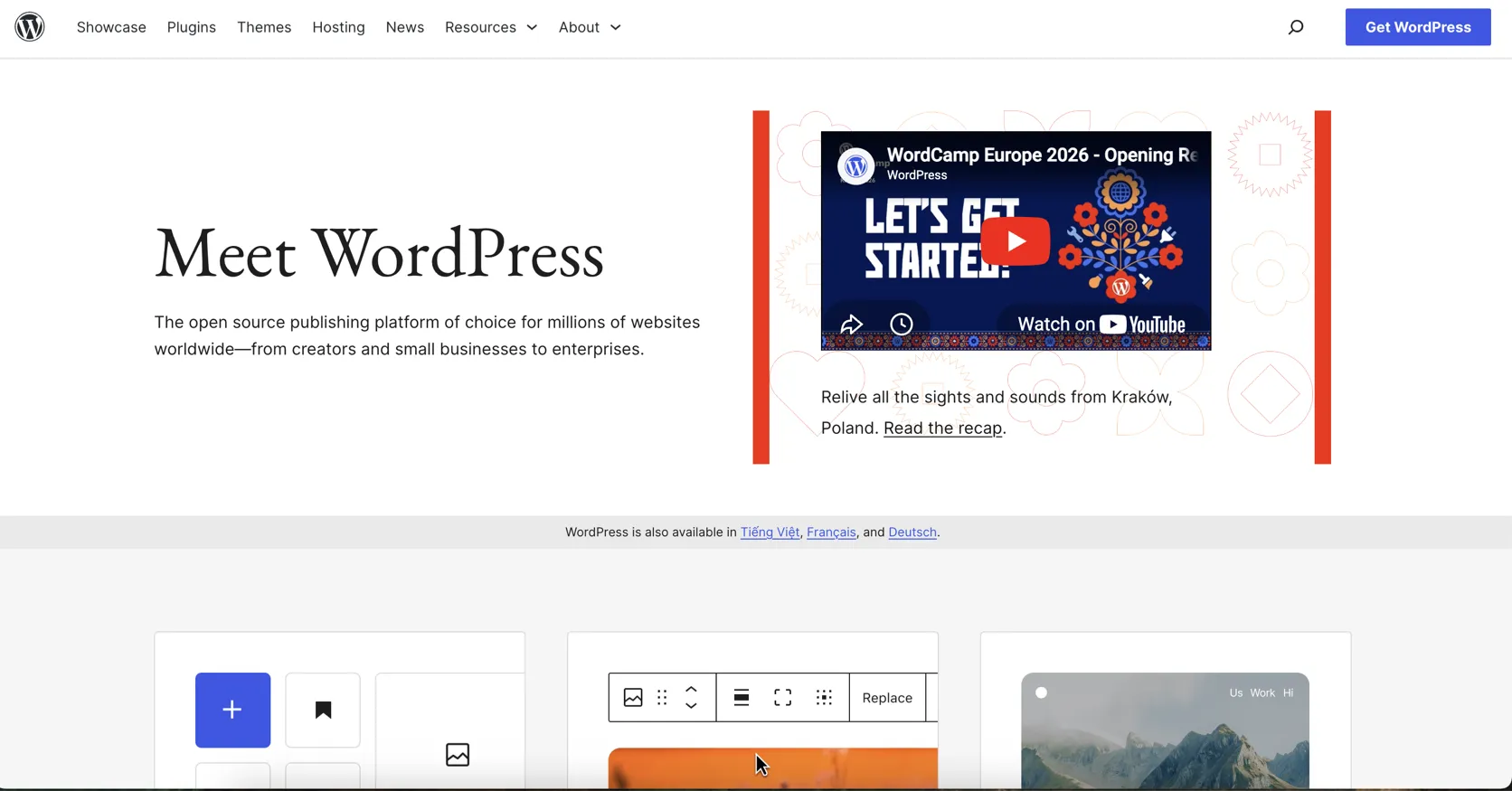
Interface
Key Features
- Gutenberg block editor
- Themes, child themes, and full-site editing patterns
- Plugin ecosystem with tens of thousands of free plugins
- Custom post types and taxonomies
- User roles and editorial permissions
- Media library, revisions, scheduled publishing, and comments
- REST API and headless usage options
- WooCommerce ecommerce ecosystem
- WP-CLI for command-line automation
- Large hosting and agency ecosystem
From This Site
Articles, guides, and comparisons featuring WordPress.
Alternatives to WordPress
 Astro Steven Uses This
 The framework I use when content, speed, and simple deployment matter more than a WordPress admin.
 Webflow Best No-Code Builder
 A strong visual build system when design precision matters more than plugin freedom.
 Ghost
Ghost A publishing-first CMS for newsletters, memberships, and independent media.
Frequently Asked Questions
Is WordPress still relevant?
Yes. WordPress remains highly relevant when a project needs a CMS, client editing, WooCommerce, plugins, or editorial workflows.
Is WordPress free?
The WordPress.org software is free and open source. Hosting, domains, premium themes, plugins, maintenance, and developer time are not free.
Is WordPress bad for performance?
No, but it is easy to make slow. Hosting, theme choice, plugin count, caching, image handling, and database health all matter.
When should I not use WordPress?
Avoid WordPress when the site is simple, static, developer-authored, and does not need an admin dashboard or plugin ecosystem.
Is Astro better than WordPress?
Astro is often better for fast content sites maintained by developers. WordPress is usually better when non-technical users need a CMS.
WordPress
WordPress.org software is free and open source. Real cost comes from hosting, domain, premium themes, plugins, security, backups, maintenance, and developer time.
Disclosure: Some links on this page are affiliate links. If you make a purchase through them, I may earn a small commission at no extra cost to you. I only recommend products I've genuinely evaluated. Full disclosure →