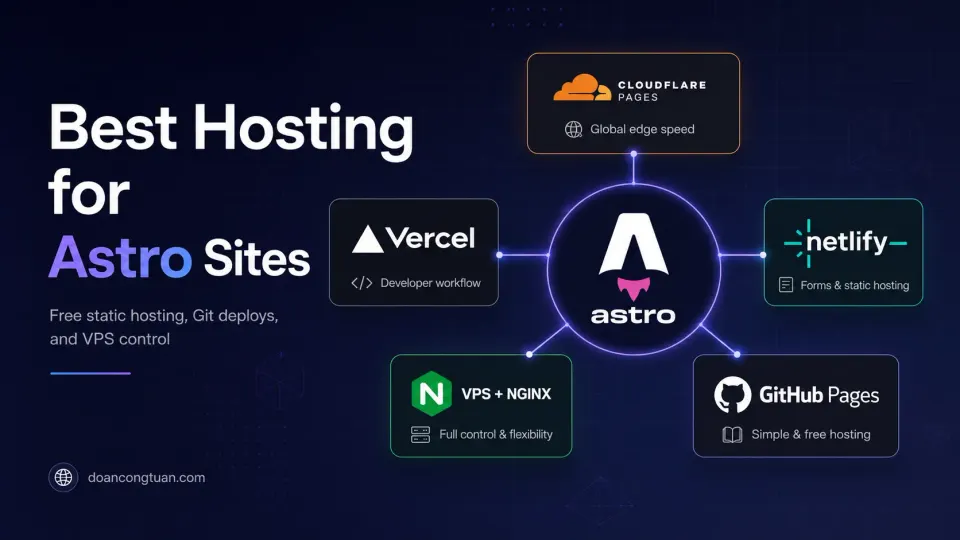
This article focuses on hosting Astro. If you are coming from WordPress and still learning how Astro fits into a real content workflow, start with my Astro for WordPress developers guide.
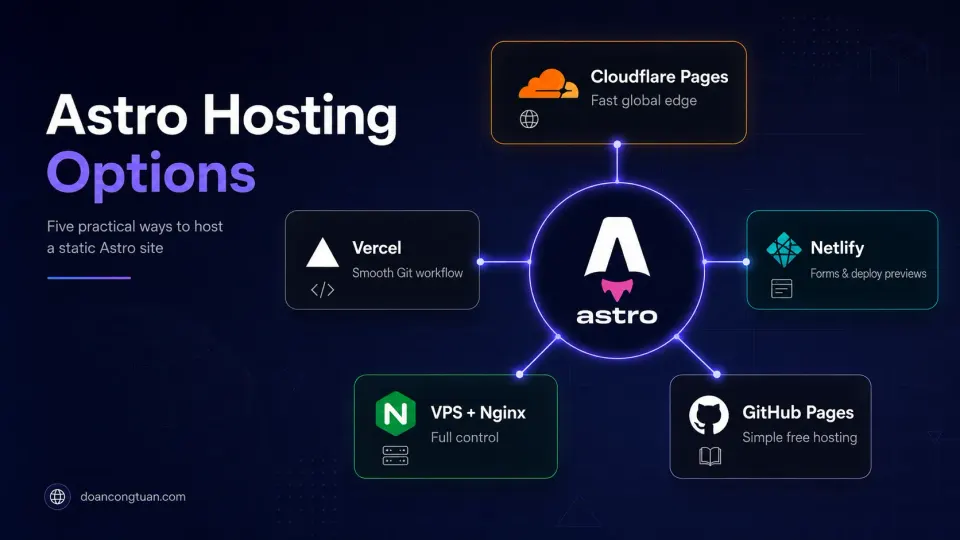
The first time I deployed an Astro site, I spent an hour looking for the “hosting settings.” There were none. The build output was a folder of HTML files. I copied it to my server with rsync. It worked. I kept waiting for the complicated part.
There was no complicated part. Astro’s static output is just files: HTML, CSS, JavaScript, images. Any web server that can serve files can host it. No PHP runtime, no Node.js in production, no database.
The question for hosting an Astro site is not “what can host it”: almost anything can. The question is what fits your workflow, budget, and performance requirements.
I spent a week evaluating Cloudflare Pages vs Vercel before realizing I already had a VPS doing nothing. That is time I will not get back.
The hosting options
Option 1: Cloudflare Pages (Free tier: best performance)
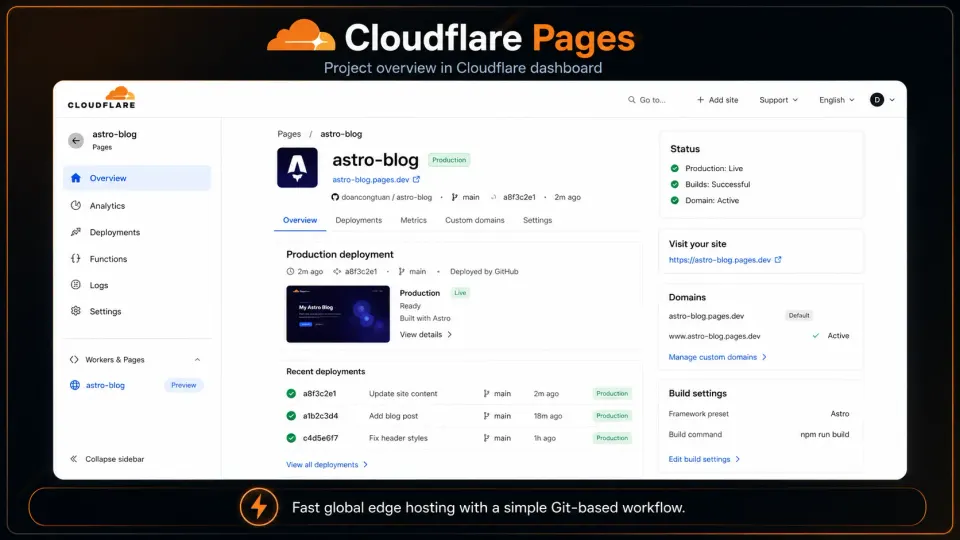
Cloudflare Pages is my top recommendation for free Astro hosting. Their edge network has 300+ locations worldwide, which means your static files are physically close to visitors regardless of where they are. This matters for load time more than almost any other single factor.
Setup: Connect GitHub repo → Cloudflare auto-detects Astro → builds and deploys on every push. Takes about 5 minutes to configure the first time.
Free tier includes: Unlimited sites, 500 builds/month, unlimited bandwidth. For most personal projects and small affiliate sites, you’ll never hit the limits.
The catch: Build times are slightly slower than Vercel. For large sites with thousands of pages, Cloudflare Pages builds can take a few minutes. For most Astro sites (under 500 pages), it’s fine.
- Best global performance: 300+ edge locations
- Generous free tier: unlimited bandwidth
- Automatic HTTPS, custom domains on free tier
- Built-in DDoS protection
- Integrates with Cloudflare DNS seamlessly
- Build times slightly slower than Vercel
- Less mature preview deployment UX
- Functions (server-side) more limited than Vercel/Netlify
Option 2: Vercel (Free tier: best DX)
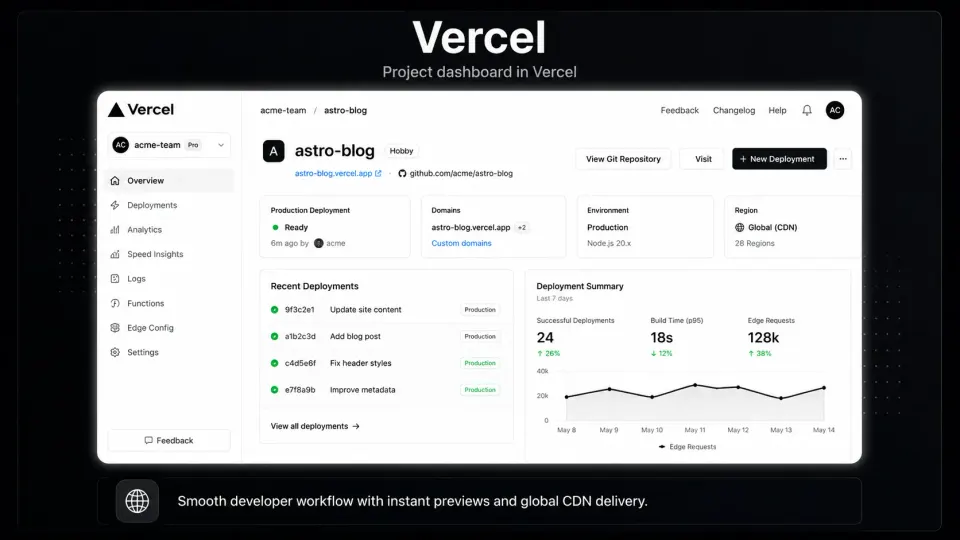
Vercel is where Next.js lives, but it handles Astro perfectly. The developer experience is excellent: clean dashboard, fast builds, instant preview URLs for every branch/PR, one-click rollbacks.
Setup: Same as Cloudflare Pages: connect GitHub, Vercel auto-detects Astro, deploys on push.
Free tier includes: 100GB bandwidth/month, 6000 build minutes/month. Enough for a personal site or small affiliate site.
The honest note: Vercel is built to sell you their paid plan and their server-side features (Edge Functions, serverless). For a pure static Astro site, you’re getting maybe 20% of what Vercel offers. It’s not wrong to use it: the free tier is good: but Cloudflare Pages gives you better static performance for the same price (free).
Option 3: Netlify (Free tier: best for forms)
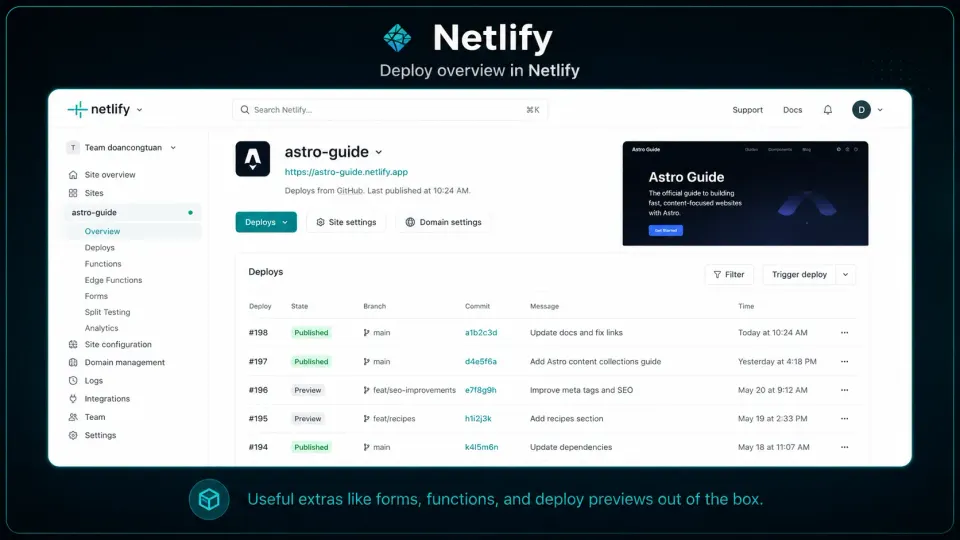
Netlify is nearly identical to Vercel for static Astro sites. One area where it wins: Netlify Forms. If your Astro site has a contact form and you want zero-backend form handling, Netlify’s built-in form processing works without any extra service.
Free tier includes: 100GB bandwidth/month, 300 build minutes/month.
Pick Netlify over Vercel if you need form submissions. Otherwise they’re interchangeable.
Option 4: VPS + Nginx (Best for control and long-term cost)
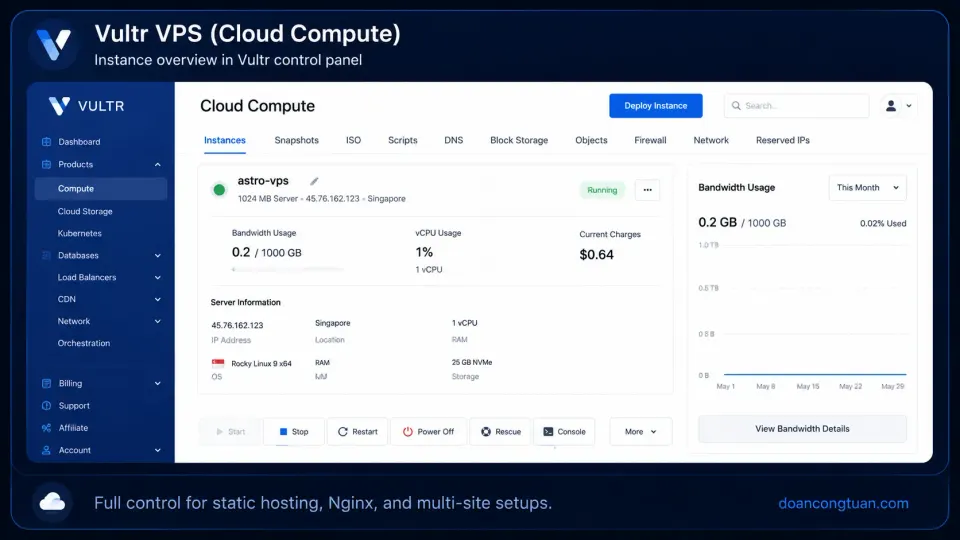
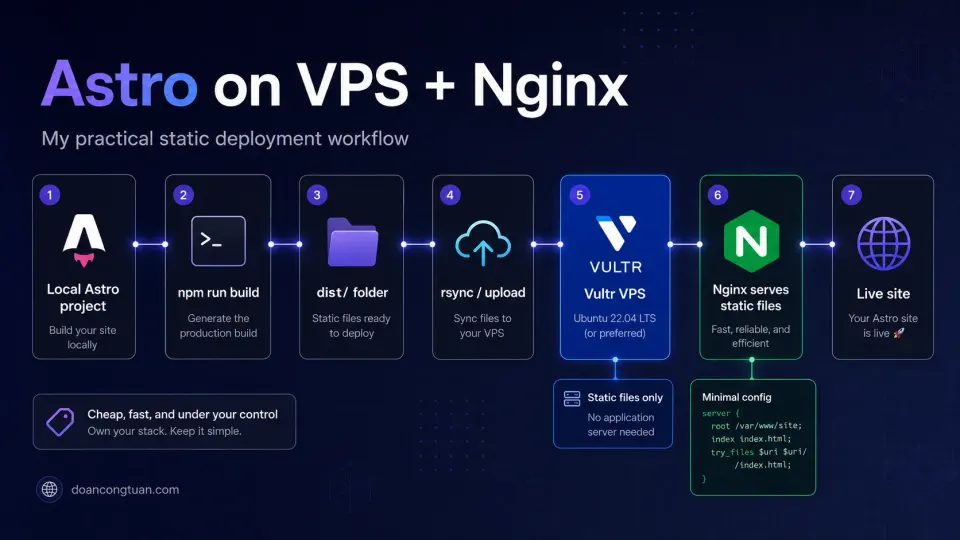
This is what I run. A cloud VPS (Vultr, DigitalOcean, Hetzner) with Nginx serving static files directly.
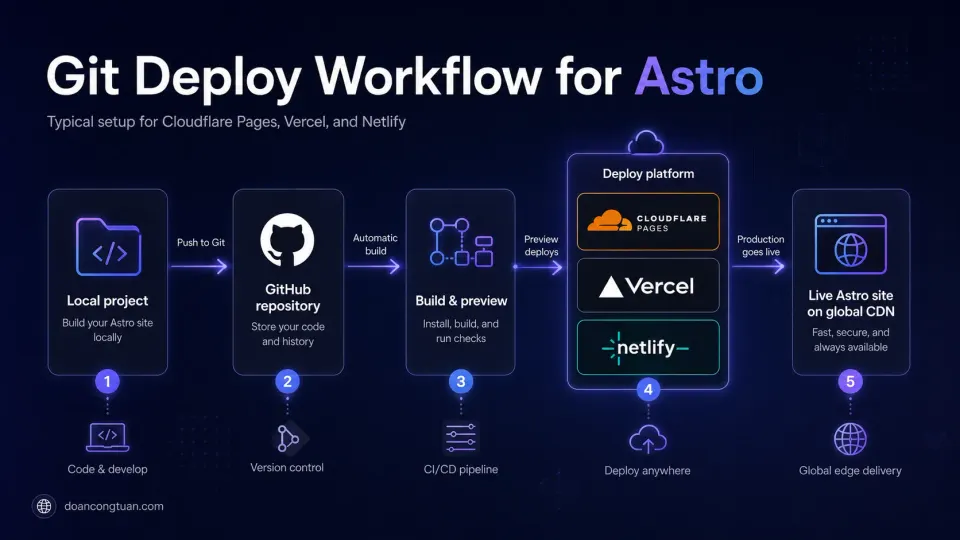
The workflow:
# Build locally
npm run build

# Push to server
rsync -az --delete dist/ user@yourserver:/var/www/doancongtuan.com/
Nginx config is minimal:
server {
    listen 443 ssl;
    server_name doancongtuan.com;
    root /var/www/doancongtuan.com;
    index index.html;

    location / {
        try_files $uri $uri/ $uri.html =404;
    }

    # Long cache for assets
    location ~* \.(js|css|webp|woff2|ico)$ {
        expires 1y;
        add_header Cache-Control "public, immutable";
    }
}
Cost: Vultr Cloud Compute starts at $5/mo (Regular) or $6/mo (High Performance). For that you get a real server you control: useful if you’re also running other sites, scripts, or services on the same machine.
The tradeoff: No automatic deploys from Git push. You run the build and rsync manually (or automate it with a deploy script). This is fine for a solo developer but awkward for a team.
The VPS this site runs on. From $5/mo, hourly billing, Singapore data center. Full Nginx control for static file serving.
Get Vultr →Affiliate link — I may earn a commission at no cost to you.
Option 5: GitHub Pages (Free: simple but limited)
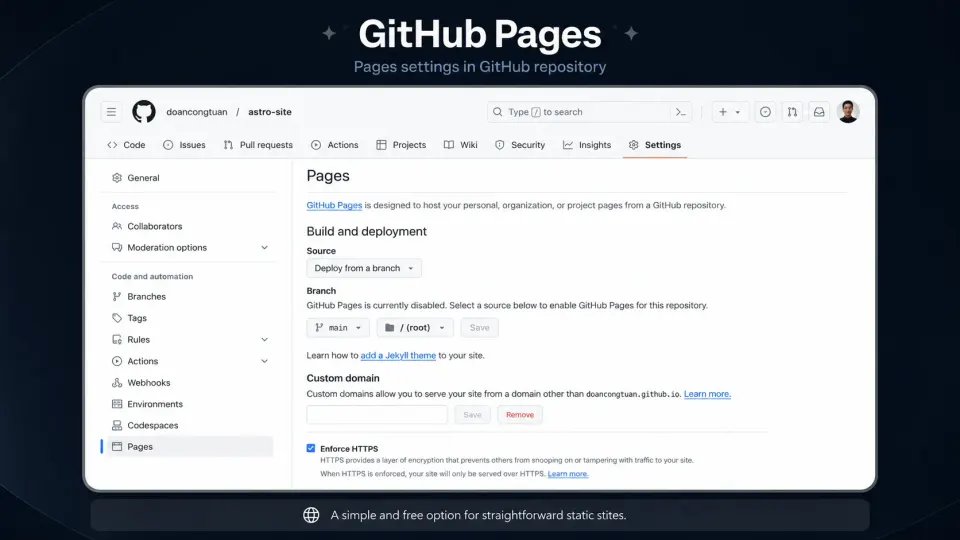
GitHub Pages serves static files directly from a GitHub repo. Free, simple, works for Astro. The limitations: custom domain HTTPS configuration is clunkier, build pipeline requires GitHub Actions setup, and there’s no edge CDN: files serve from GitHub’s infrastructure only.
Fine for a personal project or open-source docs site. Not ideal for an affiliate content site where performance and custom domain setup matter.
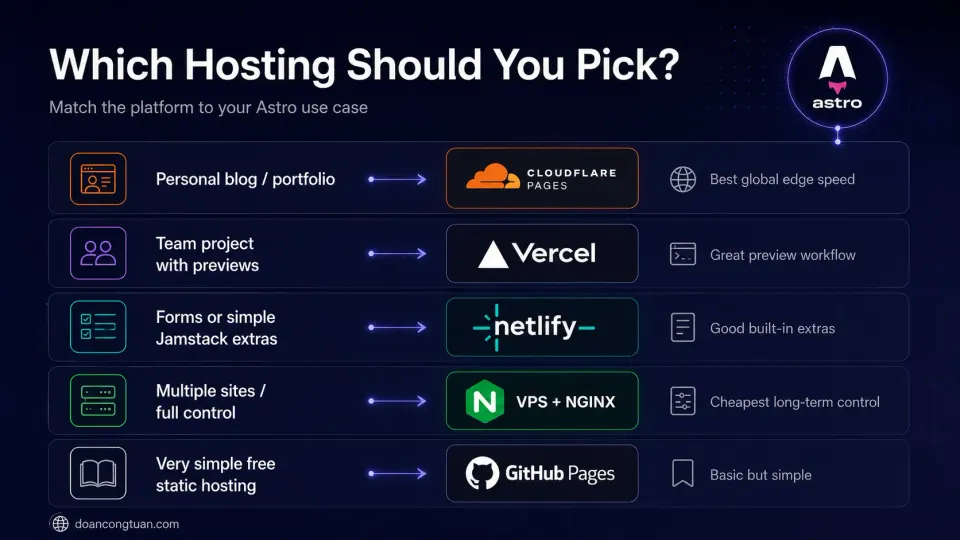
Which should you pick?
| Use case | Recommended |
|---|---|
| Personal blog, portfolio | Cloudflare Pages (free) |
| Affiliate content site | Cloudflare Pages or VPS + Nginx |
| Team with CI/CD | Vercel or Netlify |
| You need contact forms | Netlify |
| Multiple sites on one server | VPS (Vultr, Hetzner) |
| Experimenting / learning | Any free tier |
What to avoid
Managed WordPress hosting for Astro: services like Kinsta, WP Engine, and SiteGround are designed for PHP. You can technically put static files on shared hosting, but you’re paying for PHP infrastructure you don’t use. Not worth it.
AWS S3 + CloudFront for a simple site: over-engineered for most Astro projects. The setup complexity is real. Use Cloudflare Pages instead: same global CDN, zero configuration.
“Website builders” that want to host your static files: Wix, Squarespace, etc. can’t host Astro output. They’re separate platforms entirely.
The honest bottom line
For most people building an Astro site: start with Cloudflare Pages. Free, fast, global, zero config. If you later want more control or have specific server needs, move to a VPS. You can always migrate: Astro’s output is portable by design.