If you are still deciding between shared hosting, managed WordPress hosting, and running your own server, start with my WordPress VPS hosting guide. For the speed side of that decision, I also keep a separate WordPress performance stack guide covering hosting, cache, themes, database, and real bottlenecks.
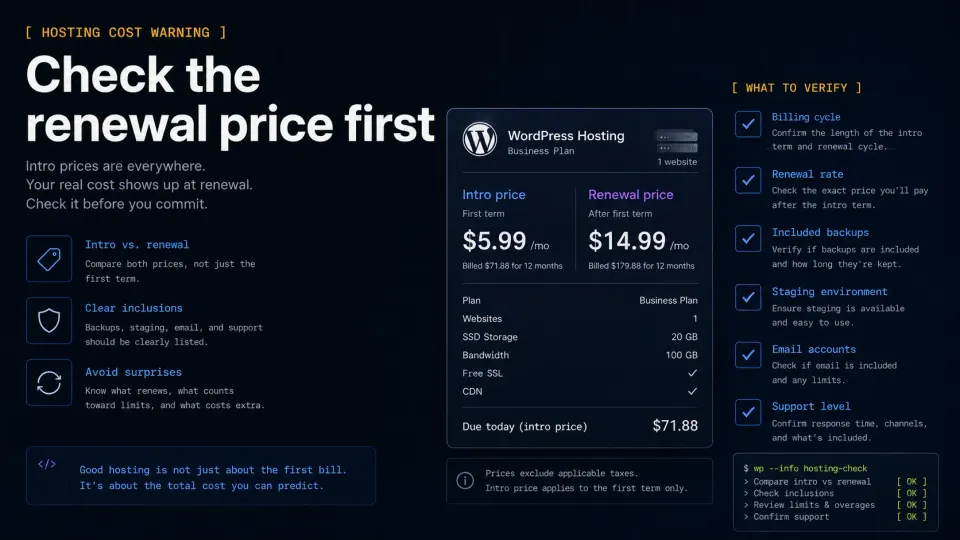
A client once asked me to recommend WordPress hosting. I gave them three options, explained the trade-offs, and they picked the middle one without reading the explanation. The site went live, performed fine for a year, and then one day they sent me an email saying their renewal was $200 and they did not understand why.
The problem was not the hosting. The problem was that I had not been direct about what the renewal price actually was.
This article is the version of that conversation where I actually explain the numbers.
I now lead with the renewal price. It saves everyone time.
How I structured this
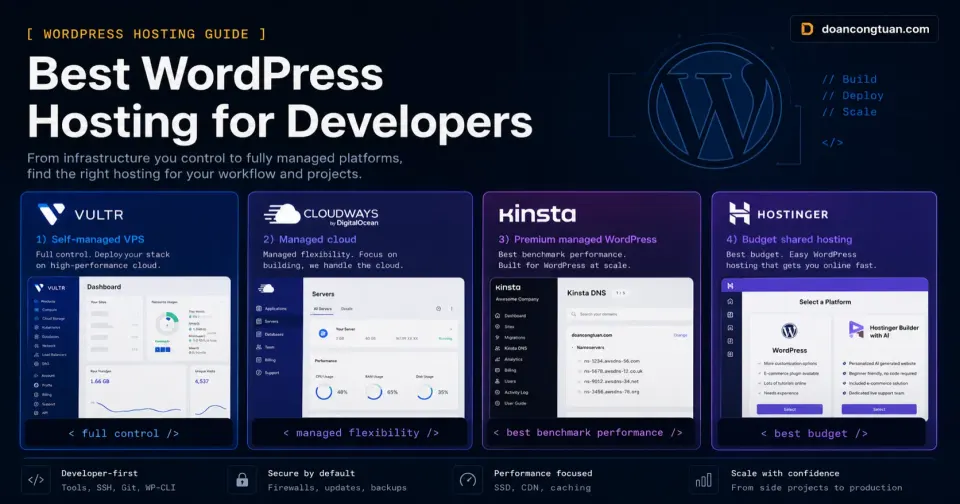
I cover four categories that developers actually use:
- Self-managed VPS: what I use personally
- Developer-oriented managed cloud: Cloudways (research-based)
- Premium managed WordPress: Kinsta (research-based)
- Budget shared hosting: Hostinger (hands-on from earlier projects)
I am skipping generic hosts like GoDaddy, Bluehost, and DreamHost. They are not compelling for developers and the WordPress community broadly agrees on this.
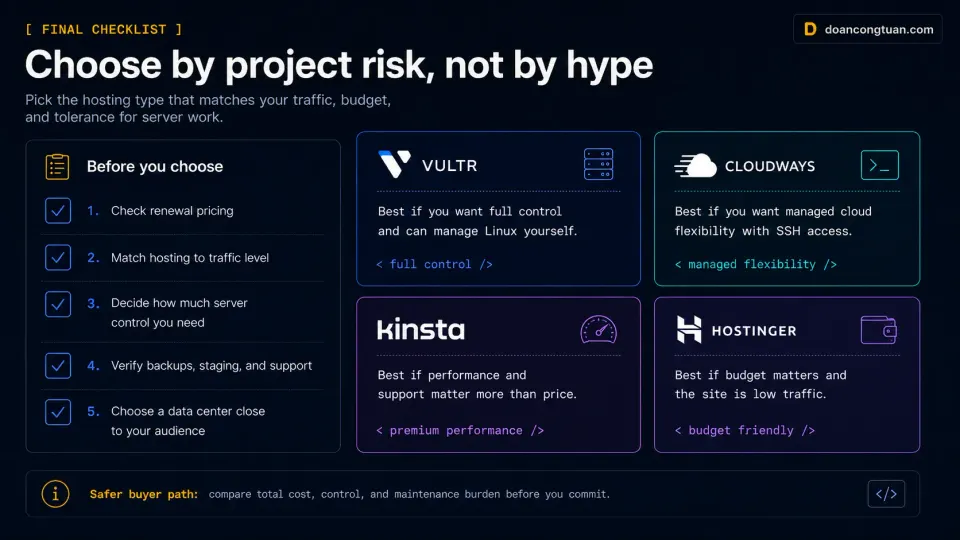
Self-managed VPS: most control, lowest cost
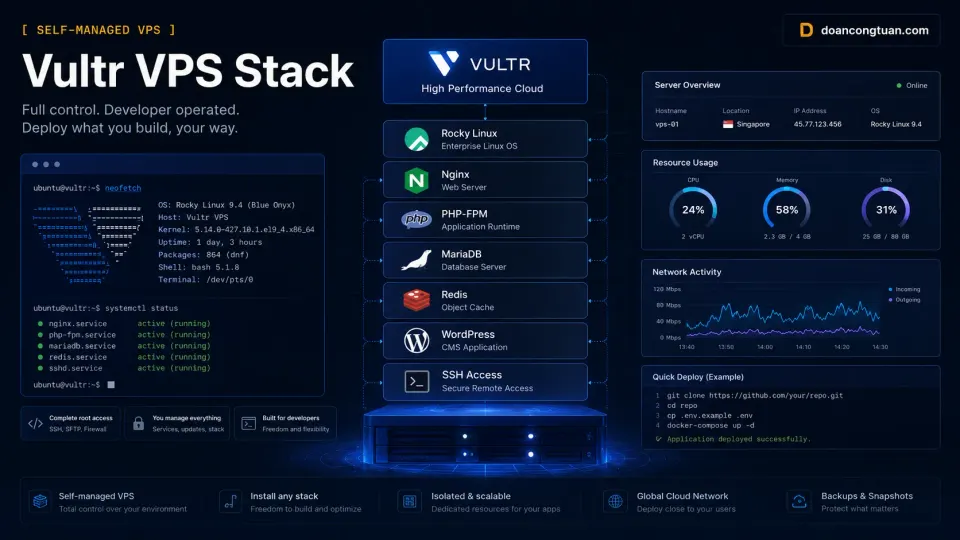
What it is: A bare Linux server where you configure everything yourself: Nginx, PHP-FPM, MariaDB, Redis, SSL, backups. No managed layer.
What I use: Vultr, around $20/month for the VPS running this site and several other projects. Rocky Linux, Nginx with FastCGI cache, PHP-FPM, MariaDB, Redis.
The math works well when you have multiple projects. One $20/month VPS replaces what might be three or four separate shared hosting accounts at $8 to $12/month each.
The real cost is time and knowledge. Setting up the stack takes hours the first time. Something will break eventually and you will fix it yourself. That is the deal.
- Lowest cost per site when running multiple projects
- Full control: Nginx config, PHP-FPM tuning, Redis, caching
- No resource sharing with other customers
- Hourly billing on Vultr: no long-term commitment required
- You are the support team when things break
- Requires Linux, Nginx, and SSH knowledge
- Port 25 blocked on Vultr by default: email needs SMTP setup
- Initial server setup takes real time
The VPS I run WordPress on. Full control, hourly billing, Southeast Asia data centers. Not for beginners, but for developers who know what they want.
Get Vultr →Affiliate link — I may earn a commission at no cost to you.
Cloudways: managed cloud for developers
What it is: A managed hosting platform that sits between you and a cloud provider of your choice. You pick the infrastructure (DigitalOcean, AWS, Google Cloud, Vultr, Linode) and Cloudways handles the managed PHP layer: server configuration, updates, caching, SSL, backups.
My experience level: Research-based. I have not used Cloudways in production. What follows comes from official documentation, community reports, and developer forum discussions.
Why developers like it (per community reports): SSH access on all plans, Git deployment workflow, multiple apps per server, PHP version control, staging with one click. The per-server pricing model means you can host several WordPress sites on one $14/month DigitalOcean server.
Cloudways pricing (approximate, verify at cloudways.com): Starts at $14/month for a 1GB DigitalOcean server. That server can host multiple low-traffic WordPress sites.
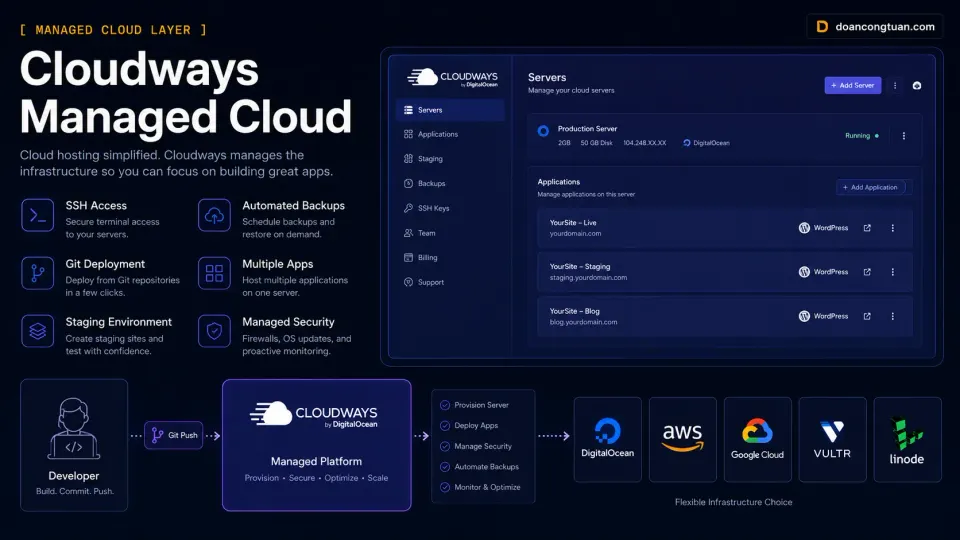
- Pick your cloud provider: real infrastructure choice
- SSH access and Git workflow support
- Multiple sites on one server: good value for agencies
- Transparent usage-based pricing
- Good developer tooling per community reports
- More setup than fully managed hosts
- No email hosting included
- Performance behind Kinsta on independent benchmarks
- Support tiers: slower response on lower plans per user reports
Developer-friendly managed cloud. Pick DigitalOcean, AWS, or GCP. SSH access, multiple apps per server. Research-based recommendation, not from personal production use.
Get Cloudways →Affiliate link — I may earn a commission at no cost to you.
Kinsta: best benchmark performance
What it is: Premium managed WordPress hosting built on Google Cloud Platform C2 compute-optimized machines. Consistently near the top of third-party WordPress hosting speed and reliability benchmarks.
My experience level: Research-based. I have not used Kinsta personally. Performance claims are from Review Signal’s annual hosting benchmarks and Kinsta’s own published documentation.
What makes it different per documentation and benchmarks: Google Cloud C2 machines, Nginx plus MariaDB plus PHP-FPM stack, free CDN via Cloudflare, edge caching at 35+ global locations, staging environment on every plan, automatic daily backups with one-click restore.
Kinsta pricing (approximate, verify at kinsta.com): $35/month for 1 site (Starter) up to $675/month for Enterprise. Per-site pricing gets expensive for agencies managing many client projects.
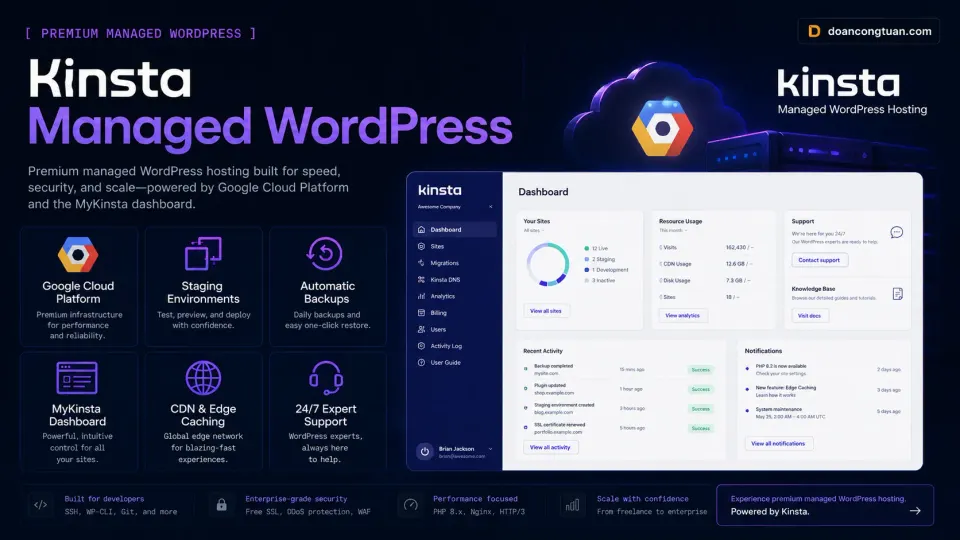
- Best-in-class benchmark performance on Review Signal reports
- Excellent uptime and SLA
- Staging environment on all plans per documentation
- Developer-friendly MyKinsta dashboard
- Free Cloudflare CDN and DDoS protection
- Expensive: $35/month minimum per site
- Per-site pricing hurts agencies with many projects
- No SSH on starter plans per documentation
- No email hosting
Premium managed WordPress on Google Cloud. Consistently top benchmark performance. Research-based recommendation, worth evaluating for high-traffic production sites.
Get Kinsta →Affiliate link — I may earn a commission at no cost to you.
Hostinger: budget shared hosting
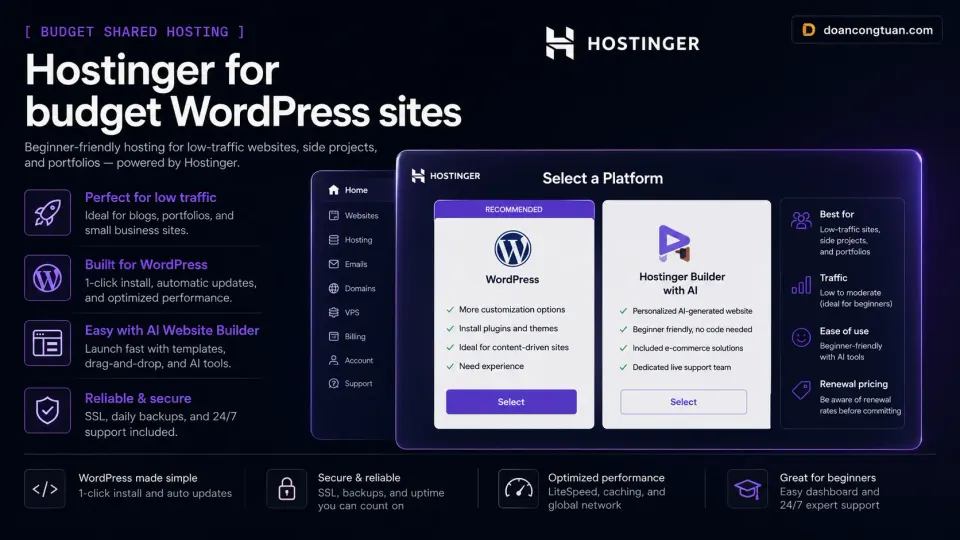
What it is: Budget shared hosting with LiteSpeed servers. Better WordPress performance than most shared hosting alternatives at this price tier.
My experience level: Hands-on from earlier projects, before I moved to a self-managed VPS.
Best use case: Low-traffic client sites and side projects where performance requirements are modest and budget is the primary constraint.
The honest limitation: Shared hosting means shared resources. At higher traffic or during peak periods, performance degrades. The renewal pricing jumps significantly from the intro rate. Premium plan renews at $10.99/month after the promotional period.
How to choose
- Production client site with real traffic
- WooCommerce store where downtime costs money
- You need SSH access and server-level control
- Staging environment is a requirement
- You manage multiple sites and want better per-site economics
- Personal blog or portfolio site
- Client site with under 5,000 monthly visitors
- Side project with no real revenue at stake
- Budget is the primary constraint
- You want a managed panel without server work
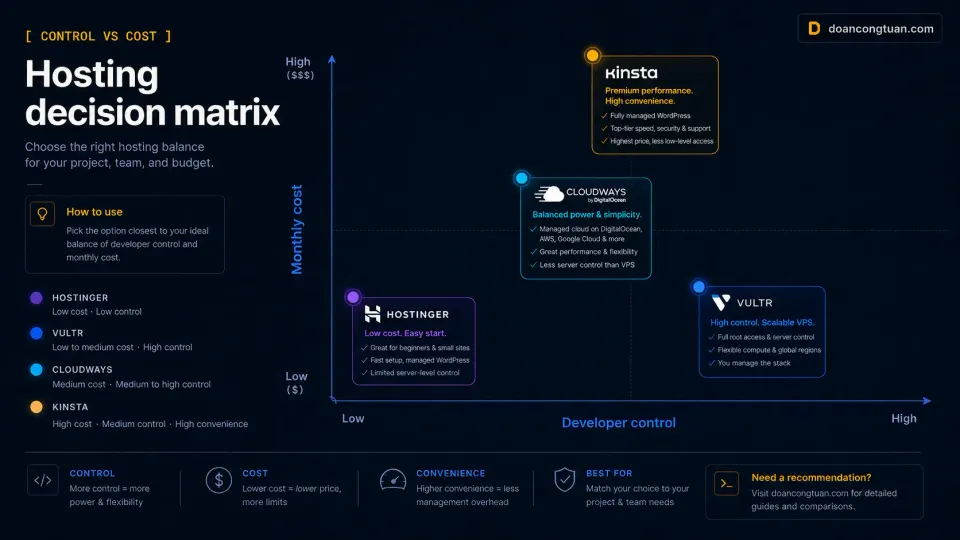
Cloudways vs Kinsta: If you manage multiple client sites, Cloudways typically wins on per-site economics. If you manage a single high-traffic site and want zero server management, Kinsta wins on performance and simplicity. Both are research-based comparisons in this article.
Self-managed VPS vs everything else: Lower cost than managed hosting, more control than shared hosting, but you become the support team. Worth it for developers who know their way around Linux.