
WP Rocket Caching Plugin
A fast performance win when the bottleneck is cache and frontend delivery — not a cure for a bad stack.
WP Rocket is worth it for WordPress sites that need easy caching and frontend optimization. It is not a magic fix for weak hosting, heavy themes, huge images, or poor plugin decisions.
"WP Rocket is a good performance shortcut, not a performance strategy by itself. I would use it after the hosting, theme, images, and plugin stack are already under control." — Steven Doan, doancongtuan.com
I have used WP Rocket on WordPress projects because it gives a practical performance baseline quickly. I still check pages manually after enabling CSS or JavaScript optimization because speed plugins can break things quietly.
WP Rocket is annual, paid-only, and has a 14-day refund policy instead of a free trial. Taxes may apply. Multi currently covers 50 websites by default, with higher site-count license choices shown on the pricing page.
- Applies many common performance best practices with less setup friction than manual tuning
- Page caching, preload, LazyLoad, Delay JS, and Remove Unused CSS are in one plugin
- Good fit for non-technical WordPress owners who need a safer performance workflow
- Works across many common hosting, theme, ecommerce, and multilingual setups
- Rocket Insights adds a built-in performance monitoring/guidance layer
- Useful support and documentation for resolving optimization conflicts
- Can reduce the need for stacking several smaller optimization plugins
- Paid-only, with no free version or long trial
- Cannot compensate for overloaded hosting, enormous images, bad theme output, or too many heavy plugins
- CSS and JavaScript optimization can break layouts or interactive features if tested carelessly
- Some managed hosts already provide strong caching, so features may overlap or need exclusions
- Not relevant for Astro/static sites or WordPress sites already exported to static HTML
- WordPress sites that need practical caching and frontend optimization without deep technical work
- Affiliate, blog, and business sites where speed improvements can affect UX and SEO outcomes
- Site owners who want one maintained performance plugin instead of many small optimization plugins
- Developers who need a reliable default performance plugin for client WordPress sites
- WooCommerce or membership sites where caching needs careful plugin-aware configuration
- Static sites, Astro sites, or Jamstack deployments
- WordPress sites on hosts where caching/optimization is already tightly managed and plugin overlap is discouraged
- Sites with broken page structure, huge uncompressed media, or bad hosting that need deeper fixes first
- People expecting a plugin to guarantee perfect Core Web Vitals scores
How I Would Think About WP Rocket
Fix the obvious problems first
Before buying WP Rocket, I would check hosting, image size, theme weight, plugin bloat, and whether the site already has server-level cache.
Enable risky options slowly
Delay JS and Remove Unused CSS can help, but I would test checkout, forms, sliders, menus, ads, and tracking scripts after each change.
Use it as one layer
WP Rocket handles caching and frontend optimization. It does not replace good hosting, CDN decisions, database health, or sensible page design.
Buy by site count
Single is fine for one site. Plus and Multi make sense when you maintain several WordPress sites and want the same optimization workflow everywhere.
Real Use Cases
Affiliate content site speed cleanup
Use WP Rocket to reduce frontend weight and improve caching on review/listicle pages with images, tables, embeds, and affiliate scripts.
Client WordPress maintenance
WP Rocket can be a reliable default when a client site needs better speed but does not justify custom performance engineering.
WooCommerce cautious optimization
Use WP Rocket with careful exclusions and testing so cart, checkout, fragments, and logged-in behavior do not break.
Replacing multiple optimization plugins
If a site has several small cache/minify/lazyload plugins, WP Rocket can simplify the stack into one maintained tool.
Interface
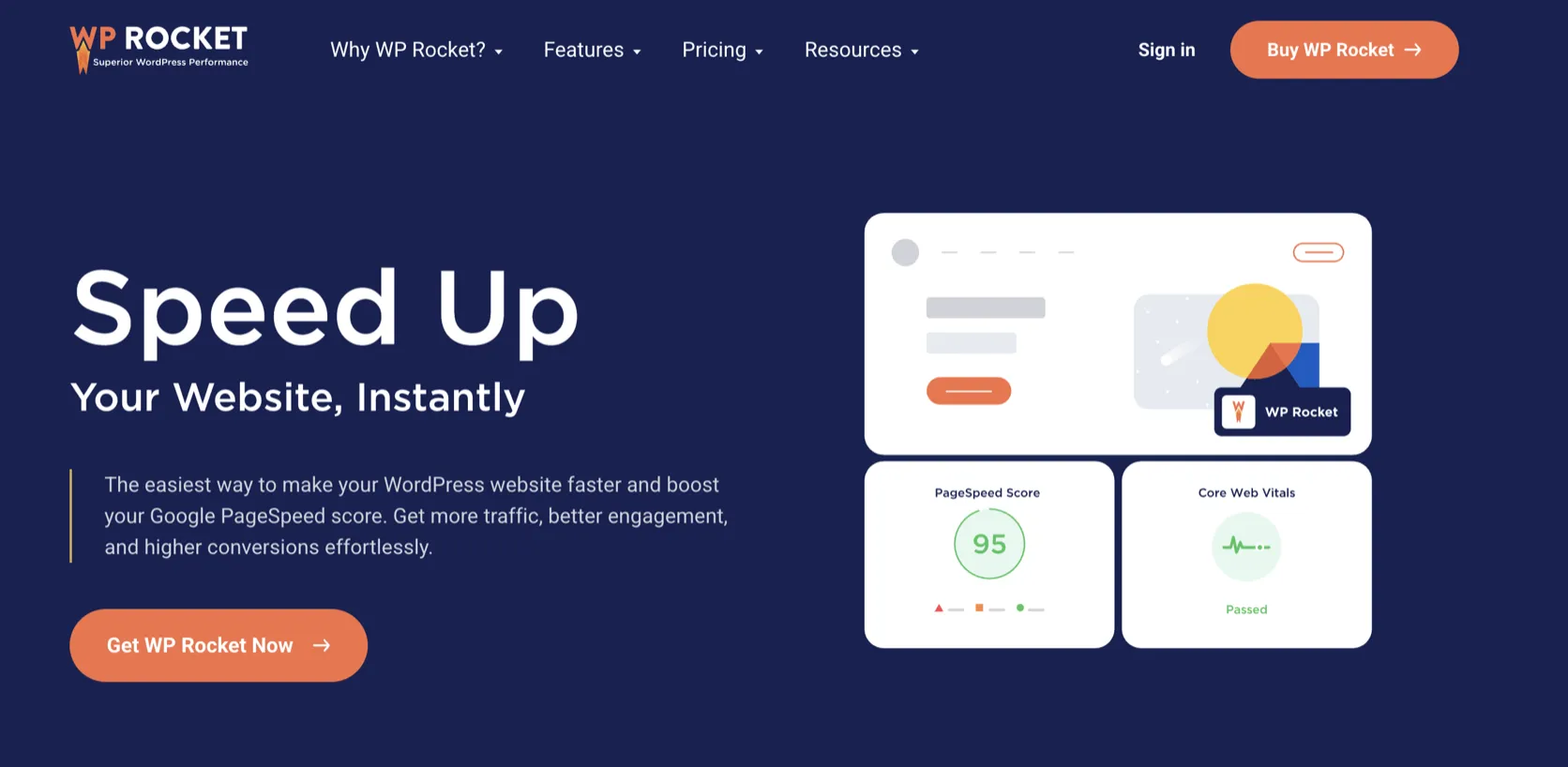
Key Features
- Page caching and cache preloading
- Browser caching and GZIP-related optimizations depending on server context
- LazyLoad for images, iframes, and embeds
- Delay JavaScript execution
- Remove Unused CSS
- Minification and file optimization options
- Database cleanup tools
- CDN and RocketCDN integration
- WooCommerce, multilingual, and common plugin compatibility handling
- Rocket Insights performance hub
From This Site
Articles, guides, and comparisons featuring WP Rocket.
Frequently Asked Questions
Is WP Rocket worth it?
It is worth it when a WordPress site needs practical caching and optimization without custom setup. It is less useful if the host already provides equivalent caching or the real problem is poor hosting.
Does WP Rocket guarantee better Core Web Vitals?
No. It can help with performance, but Core Web Vitals also depend on hosting, theme, images, JavaScript, ads, fonts, layout, and real user conditions.
Is there a free WP Rocket version?
No. WP Rocket is a paid plugin. It offers a refund policy, but not a permanent free version.
Can WP Rocket break a site?
Some optimization settings can break layouts, menus, forms, tracking, or checkout if enabled too aggressively. Test after each major setting change.
Should I use WP Rocket on Kinsta or WP Engine?
Check host compatibility first. Managed WordPress hosts often provide their own caching layer, so WP Rocket features may overlap or require careful configuration.
WP Rocket
$59/year for Single (1 website), $119/year for Plus (3 websites), and $299/year for Multi (50 websites), with larger licenses available.
Disclosure: Some links on this page are affiliate links. If you make a purchase through them, I may earn a small commission at no extra cost to you. I only recommend products I've genuinely evaluated. Full disclosure →